Working with Trees

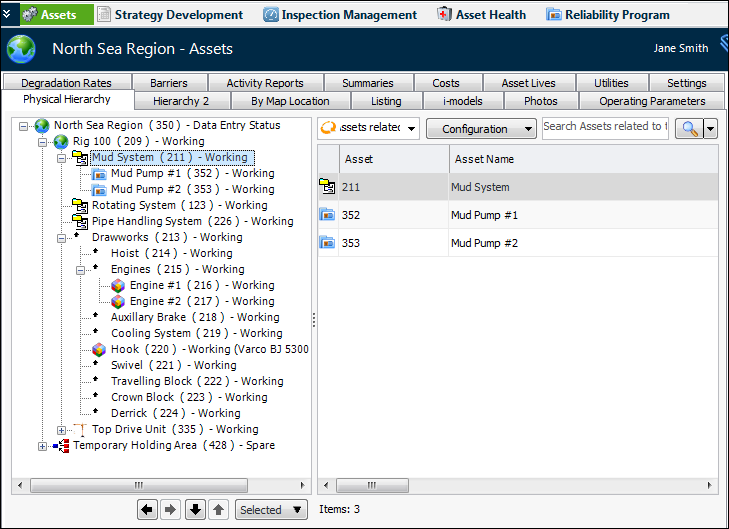
Trees are used to display hierarchies and related information. For example, the Assets view presents a site’s assets in a hierarchical tree:
You can expand nodes to view the asset and its descendants. You can select objects in the tree to view more information about them in the table on the right. Double-click an object in the tree to open its window.

To Expand and Collapse Sections

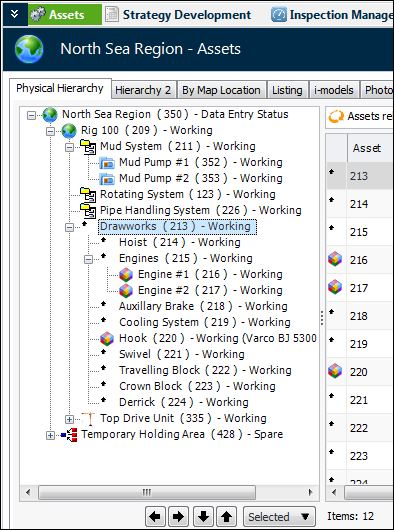
You can expand and collapse the entire tree or sections of it:

To Reorganize Nodes in Hierarchies

The tree control also provides useful ways to reorganize the nodes in a hierarchy. For example, you can change the relationships between assets in the physical hierarchy.
You can:
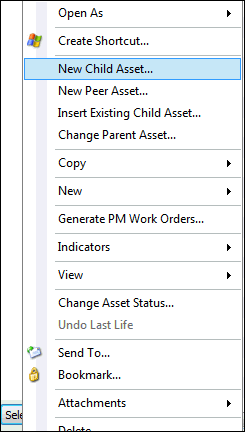
Right-click an object in the tree or click the object and then the Selected list. Then click an option in the list: