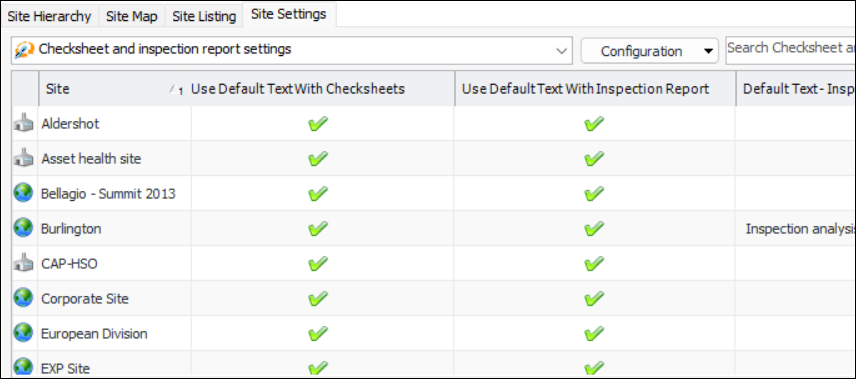
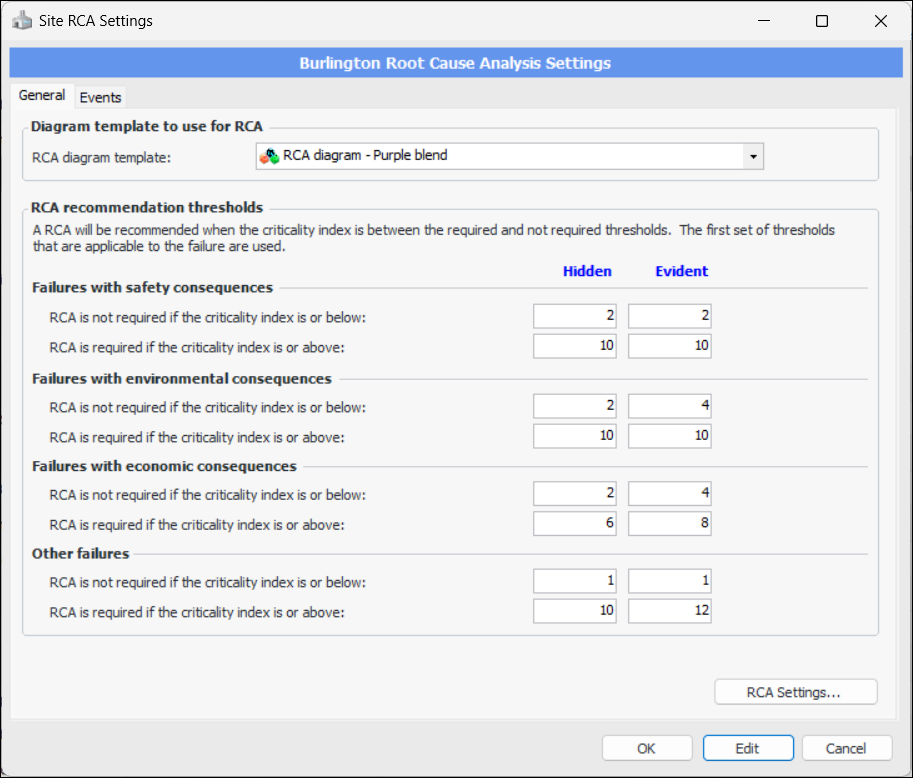
Concepts Settings Working with Site Settings In the Enterprise window, Sites view, Site Settings tab, the Configuration list provides several ways to view and compare settings across sites for the enterprise. You can view: • Asset settings • Indicators and readings settings • Checksheet and inspection report settings • Degradation settings • Acknowledgment settings • Strategy development settings • RCA settings • Performance settings • Interop work settings • EAM work settings • Reminders settings • Accounting settings • Inventory settings • Purchasing settings • Invoicing settings • Integration settings • Object ownership settings • Modules settings • Approval settings Select a configuration to view a list of sites, with each site’s value shown in the setting columns. For example: Each of the configurations has its own dialog. For example: This provides a centralized location to adjust multiple settings.