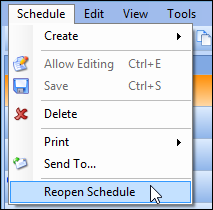
Concepts Tasks Settings Reopening a Schedule If you have unintentionally expired a schedule, you can reopen it at any time. When you reopen a schedule, APM removes the expired status from the schedule. To Reopen a Schedule 1. Open the schedule that you want to reopen. 2. From the Schedule menu, select Reopen Schedule 3. You can now work with the schedule as usual.