|
Moving Hours Between Employee Trades
To Move Hours Between Employee Trades
3.
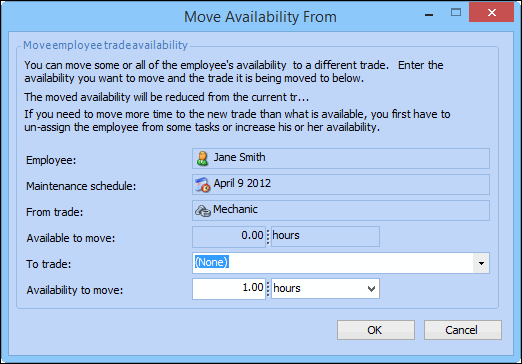
5. In the Employee’s Trades section, right-click a trade and select either Move availability from or Move availability to. The appropriate Move Availability dialog appears. For example:
6. Select the trade that you want to add the hours to or move the hours from, in the Trade list, and then click OK. APM adjusts the hours as selected.
7. Enter the number of hours that you want to move in the Availability to move box.
8. To close the Employee Availability dialog, click OK. You can now assign tasks requiring that trade to the employee.