|
|


Deleting a Schedule
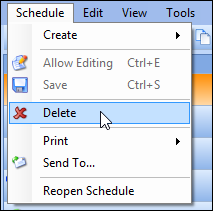
APM can automatically delete your schedules for you by setting delete rules in the schedule's properties. In order for schedules to be automatically deleted, the Delete Schedules action must be run for the site. You can run this action from the site's Tools menu, Work Management option, or your system administrator can schedule this action to run on a regular basis.To Delete a Schedule Manually