Sending Work Requests for Approval

Your site’s approval settings determine if work requests require approval. If approval is required, you might need to send the document to be approved before the request can be turned into a work order.

To Send a Work Request for Approval

1.
On the Site window, select the Work Management view, Work Requests tab.
2.
3.
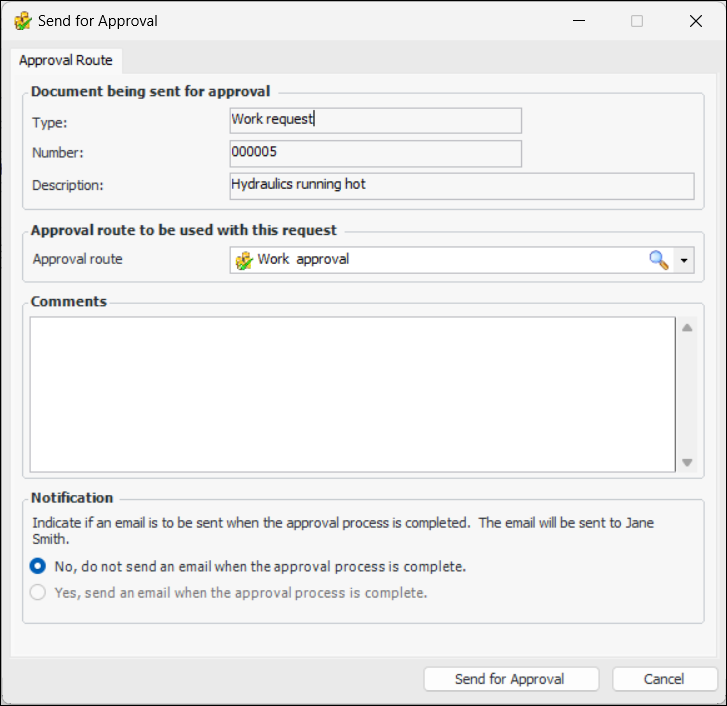
Click the Work Request menu and then select Send for approval. The Send for Approval dialog appears.
4.
If a default route has been selected for maintenance documents, it is displayed in the Approval route box. You can click the browse icon () to locate another route.
5.
Enter a comment, if you wish. Requester comments are displayed in the site’s Approvers view, Requests tab, as well as in the Approval Request window in the Request Info tab.
6.
7.
Click Send for Approval. The approval request is sent to the first approver on the route selected, and the document’s status is changed to “Waiting for approval”.