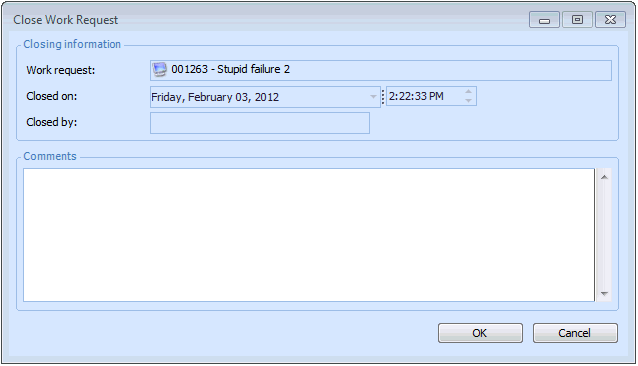
Concepts Tasks Settings Closing a Work Request You can close any open work request. To Close a Work Request 1. On the Site window, select the Work Management view, Work Requests tab. 2. Right-click the request that you want to close and select Mark as Closed. The Close Work Request dialog appears. 3. Enter your comments. 4. Click OK. The work request status changes to “Closed”.