|
|


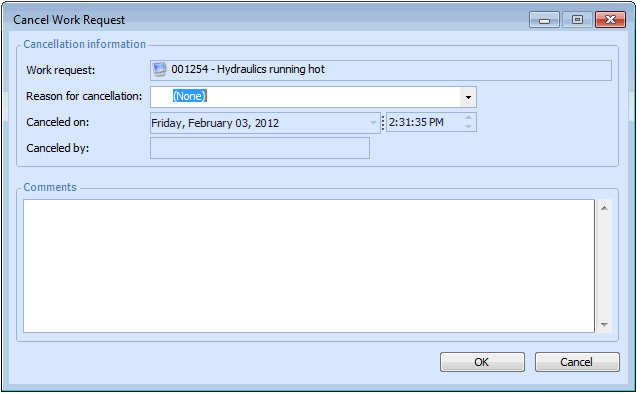
Canceling a Work Request
If a work request has been linked to a work order task, you can instead cancel the task (which will automatically cancel the work request), or remove the link to the task and then cancel the request. See Canceling a Work Order Task or Removing the Link Between a Work Request and a Work Order Task.To Cancel a Work Request