
|
|


Opening a Work Order
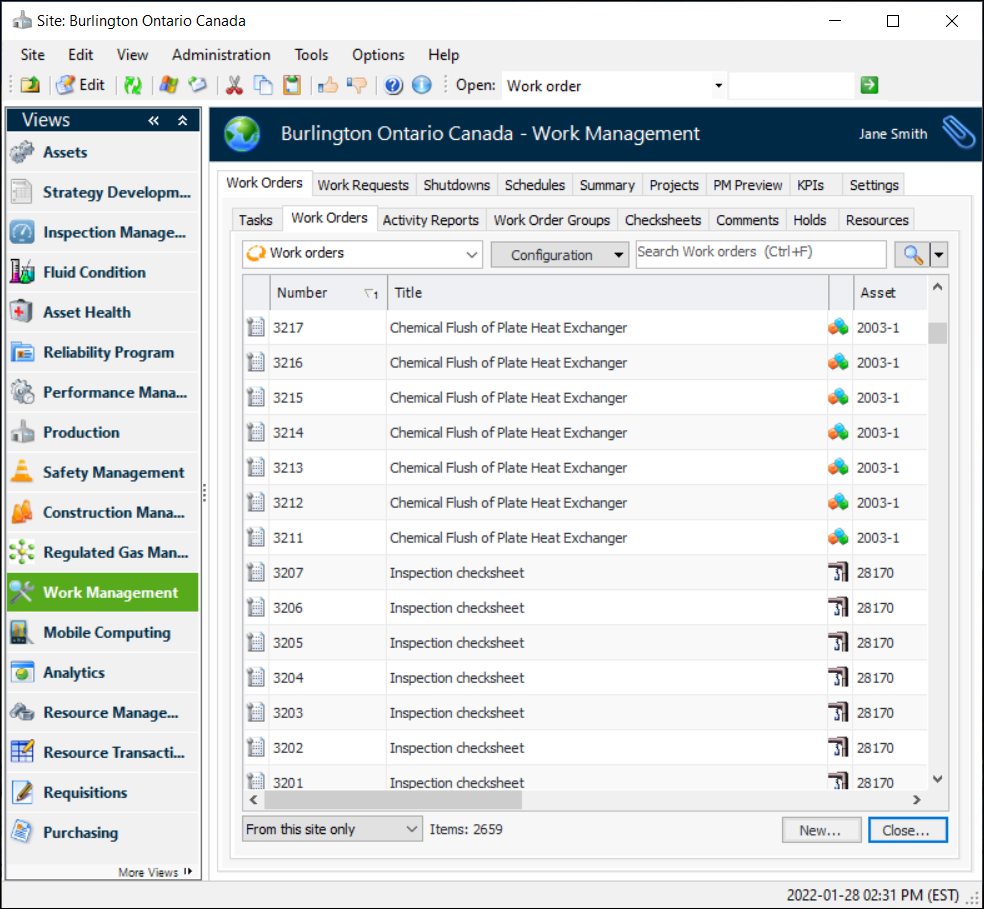
To quickly find the work order that you need, you can filter and sort the list of work orders. For more information on filtering and sorting tables, see Table Configurations.To Open a Work Order From the Site
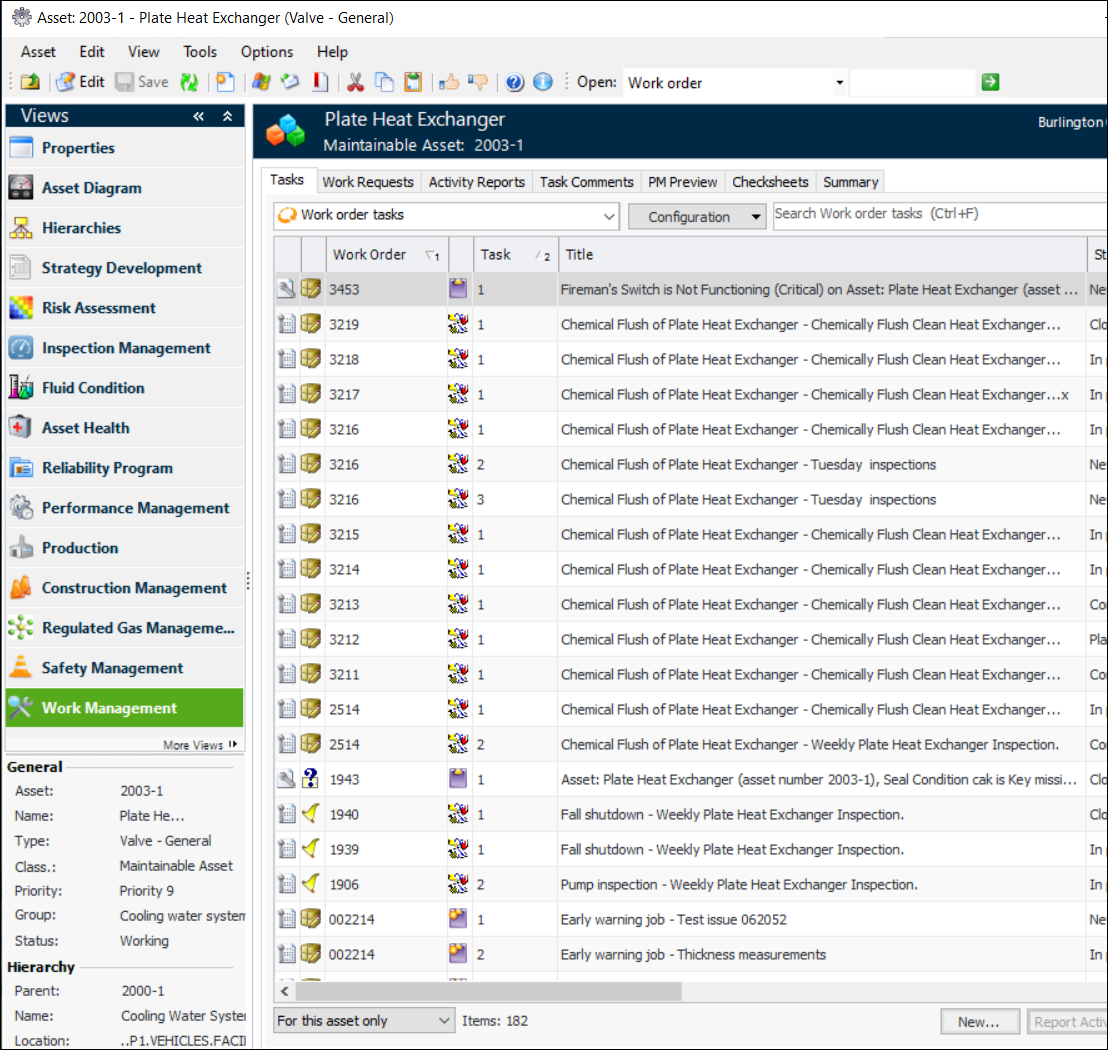
To Open a Work Order From an Asset
 on the tool bar. The Work Order window appears.