Opening a Work Order Task

You can open a work order task from the site, an asset, or a work order.
This topic explains how:
To quickly find the task you are looking for, you can filter and sort the list of work order tasks on any tab. For more information on filtering and sorting tables, see Table Configurations.

To Open a Work Order Task From the Site

1.
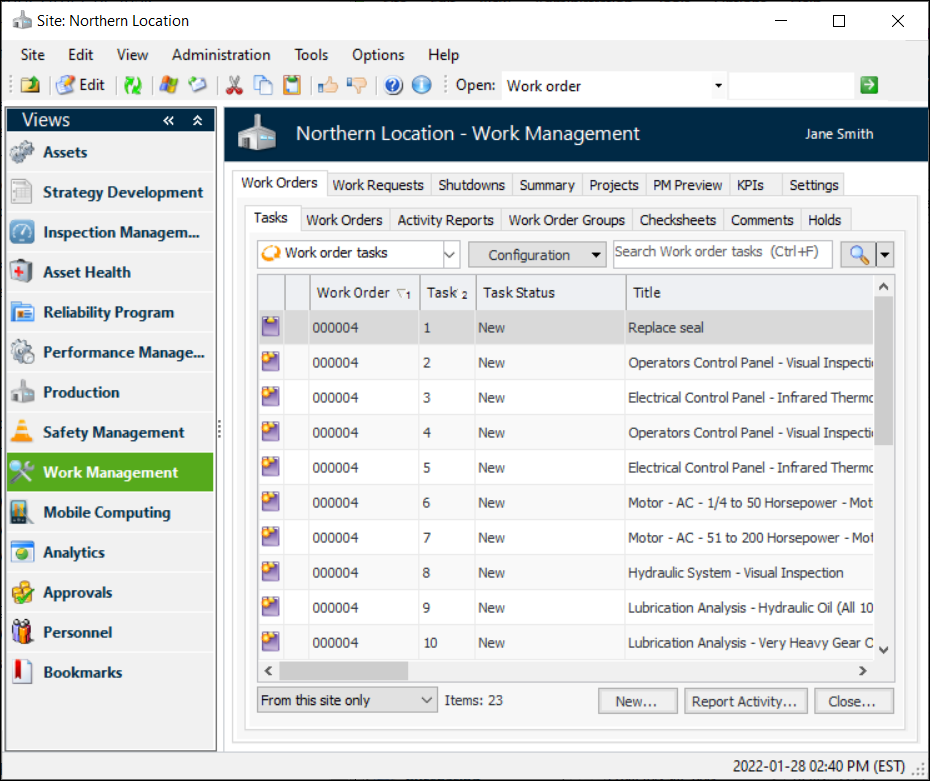
From the Site window, select Work Management view and then the Work Orders tab. The Tasks tab shows lists of work orders and work order tasks.
2.

To Open a Work Order Task From an Asset

1.
Select the site’s Assets view. The tabs on this view display the assets for the site.
2.
3.
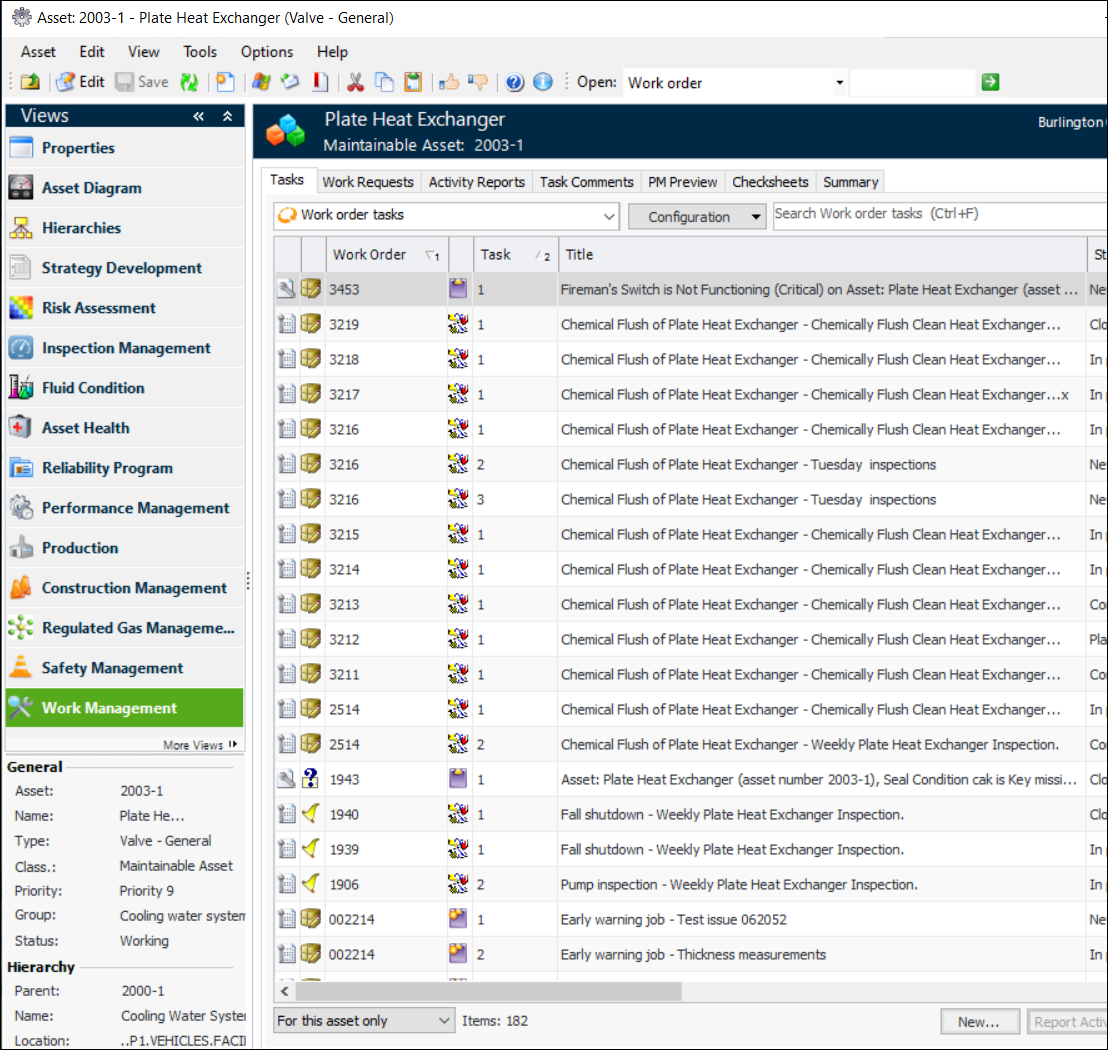
Select the asset’s Work Management view. The Tasks tab shows a list of open tasks and their work orders.
4.

To Open a Work Order Task From the Work Order
1.
From the Site window, select the Work Management view and then the Work Orders tab.
2.
Select the second Work Orders tab and double-click the work order that you want from the list. The Work Order window appears.
3.
From the General tab, Tasks tab, find the work order task in the list and double-click it. The Work Order Task window appears.