
Viewing Standard Tasks Created From Task Templates

You might want to see the standard tasks that have been created from a template before you make changes to the template. To see which task template values have been overridden on a standard task, see Reviewing and Removing Overrides on a Standard Task.

To View Standard Tasks Created From a Task Template
1.
2.
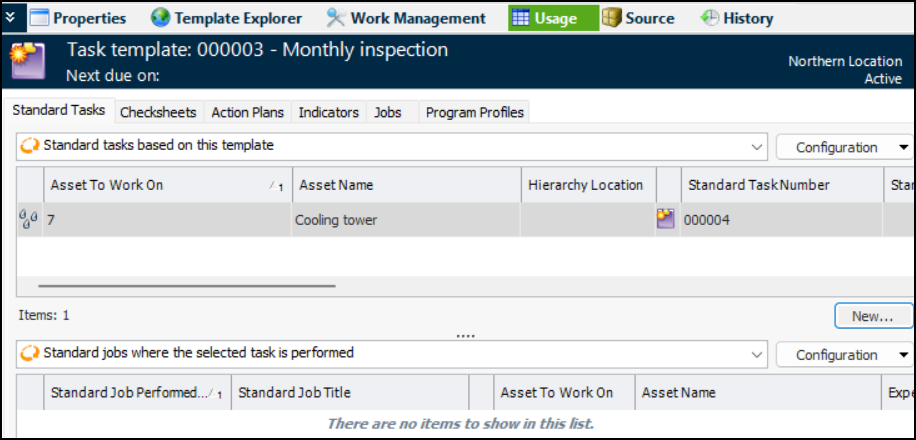
Select the Usage view, Standard Tasks tab. This tab shows a list of standard tasks that are linked to the template, as well as the standard jobs where the tasks are performed. For example:
If the standard task planner has changed (overridden) the values from the task template, there will be a check mark in the “Has overrides” column for the standard task. The Documents, Indicators, and Details columns indicate whether the tasks use the values from the template or the template values have been overridden. For example:
Tip: To see a standard task in more detail, double-click the task in the table. The standard task window appears.
