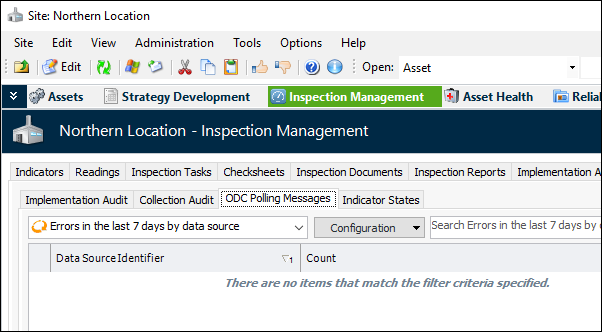
Concepts Tasks Settings Viewing ODC Polling Messages You can review the ODC messages for ODC services and online indicators. To View ODC Service Messages 1. Select the site’s Inspection Management view. 2. Select the Utilities tab and the ODC Polling Messages tab. • Select the “ODC message log” configuration to see the messages for the site. • Select the “Errors in the last 7 days by data source” configuration to see a summary count of errors, made for the last seven days. Tip: You can adjust the time period by editing the configuration or by creating a new one.