
|
Viewing Reliability Program Work History
To View Reliability Program Work History
2.
3. Double-click a standard job listed for the asset. The standard job window appears, open to the Properties view, General tab.
4. Select the Work Management view. The Work Orders tab lists work orders created from the standard job, their current status, the planned start and completion dates, and the actual completion date. Scroll through this dialog to review the work history for that standard job.
5. Double-click a work order in the list. The Work order window appears, open to the Properties view, General tab.
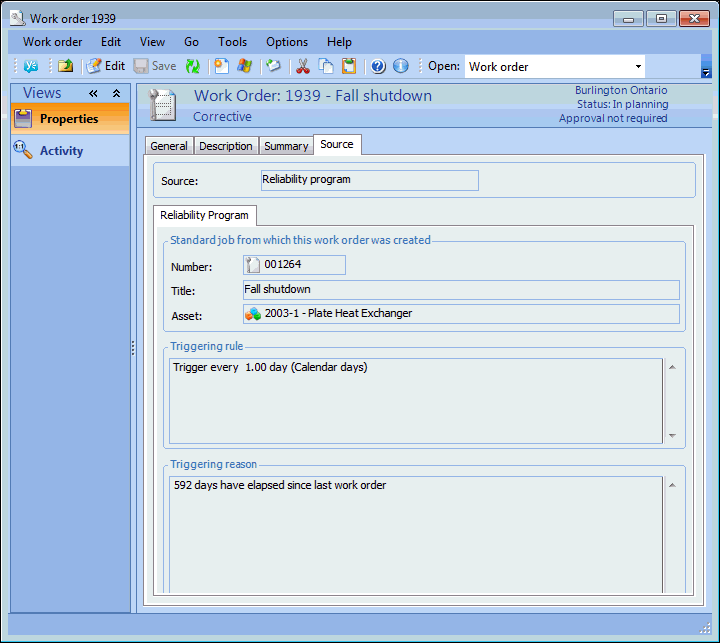
6. Select the Source tab. You can review the originating standard job, the triggering rule that created this work order, and the reason the work order was triggered. For example: