Viewing Attachments

You can view any of the attachments that have been added to an object.

To View Attachments

1.
2.
On the Tools menu, click Attachments and then View.
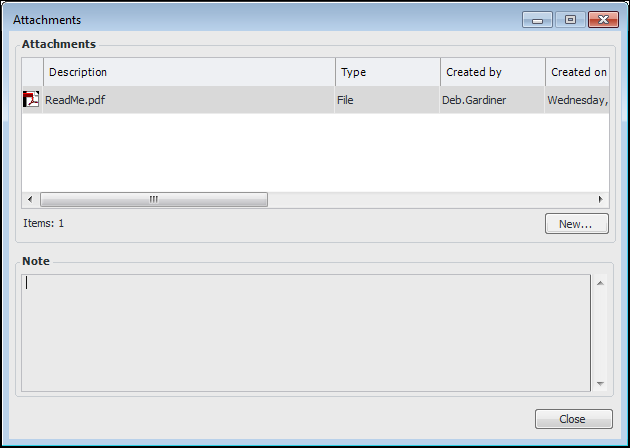
The Attachments dialog appears. For example:
3.
If the attachment is a note, select it in the Attachments list. The text of the note appears in the Note area of the dialog.
4.