
Viewing a Supplier’s Status Change History

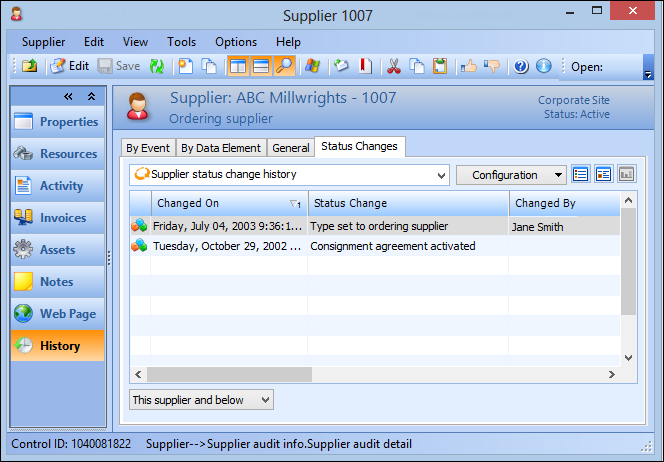
The Status Changes for a supplier provides a record of all changes to the supplier’s status. This consists of:

To View the Status Change History for a Supplier
1.
Select the site’s Purchasing view, Suppliers tab, and then the Suppliers tab.
2.
3.
Select the History view, then the Status Changes tab. This tab lists all of the recorded changes to the supplier’s status.
4.
5.