|
Viewing a Supplier’s Audit History
To View the Audit History for a Supplier
1.
2.
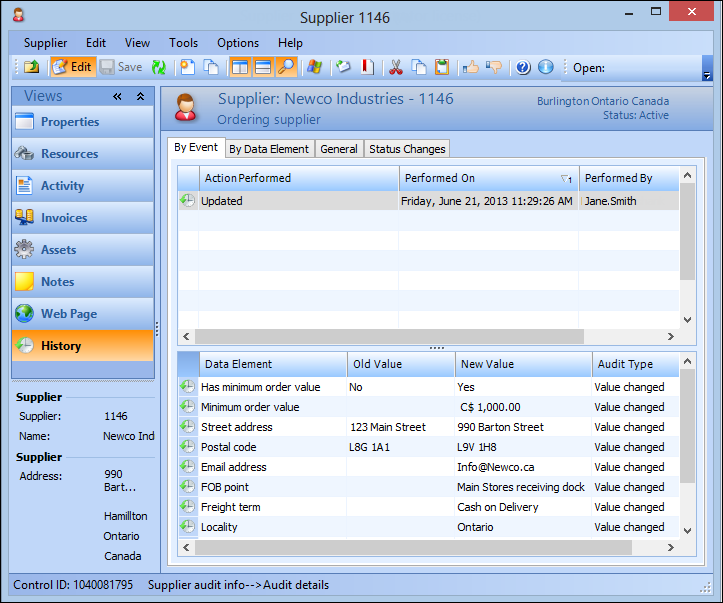
3. Select the History view, then the By Event tab. and select a site event in the top table. Audit details for that event appear in the table at the bottom.
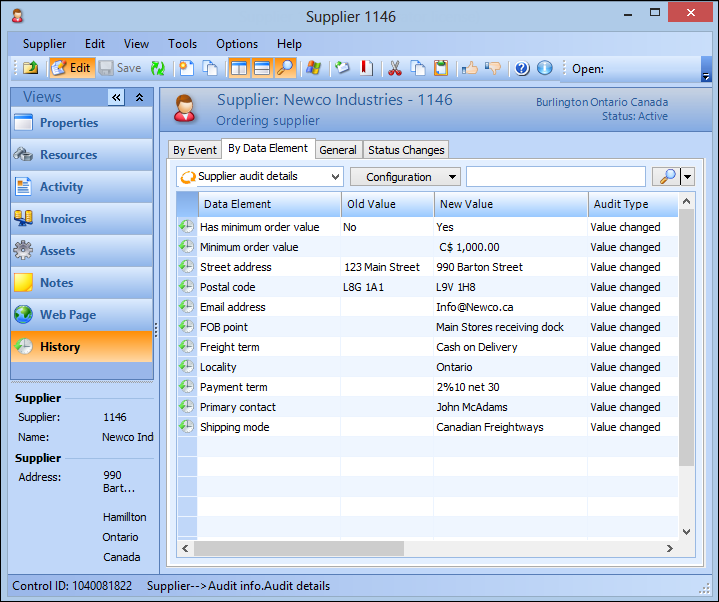
4. Select the By Data Element tab to view audit details for each data element that was altered.
5. Select the General tab to view creation and last update information for the supplier.