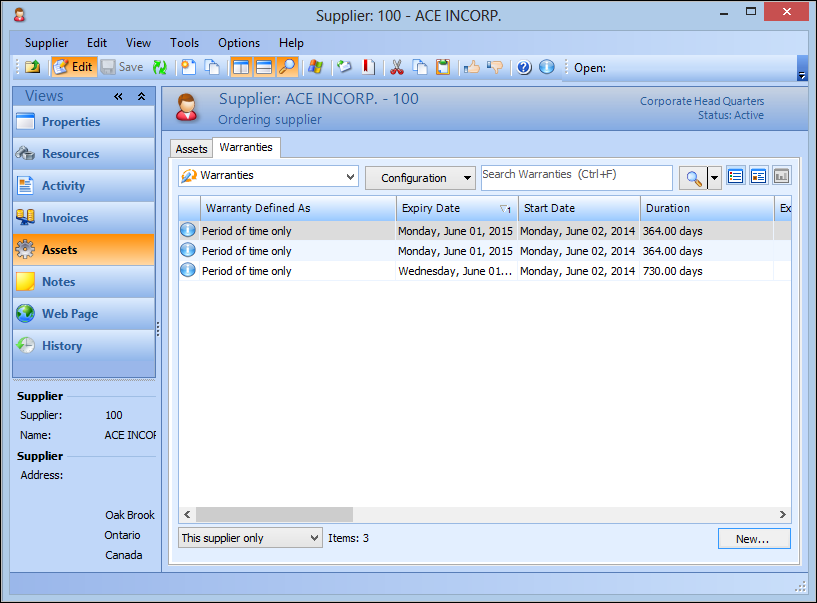
Viewing a Supplier’s Warranties

You can view the warranties that the supplier has agreed to provide on items that you have purchased.

To View a Supplier’s Warranties

1.
From the Site window, select the Purchasing view and then the Suppliers tab.
2.
Select the Suppliers tab. By default, this tab lists the suppliers for the site.
3.
4.
Select the Assets view, and then the Warranties tab. This tab displays all warranties for the supplier.
5.
6.