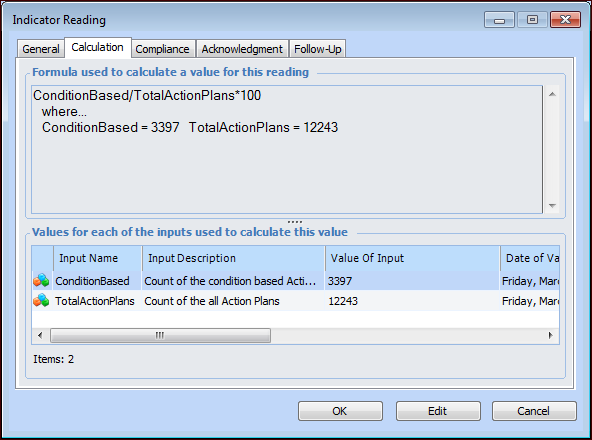
Concepts Tasks Settings Viewing Calculation Input Values When readings are calculated for a calculated or performance indicator, the system first determines a value for each calculation input. You can view the input values for any indicator reading. To View Input Values for a Calculated or Performance Indicator 1. Open the calculated or performance indicator. 2. Select the Readings view and tab. Click to view the readings in a table. 3. Double-click any reading to open it. The Indicator Reading dialog appears. 4. Select the Calculation tab. The Formula box shows the calculation used for the reading and the values for each input. For example:



 to view the readings in a table.