|
Viewing Site Audit History
To View Site Audit History
1. From the site window, click the Site menu and then History. The site’s History dialog appears. For example:
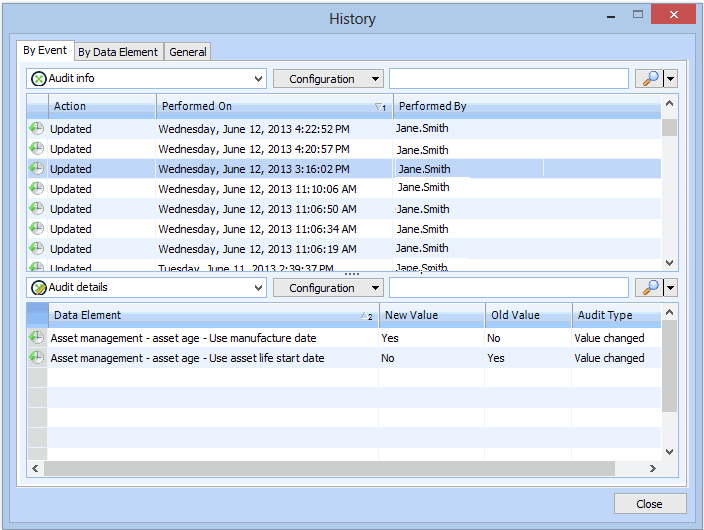
2. Select the By Event tab and select an event in the top table. Audit details for that event appear in the table at the bottom. For example:
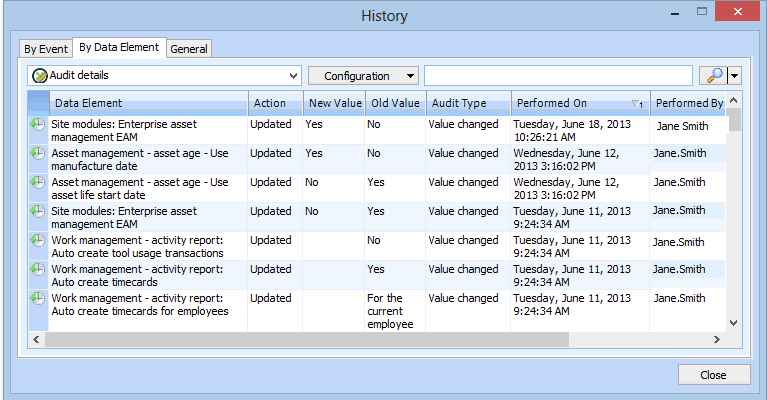
3. Select the By Data Element tab to view audit details for each data element. For example:
4. Select the General tab to view creation and last update information for the site.