|
|


Viewing Project Status Change History
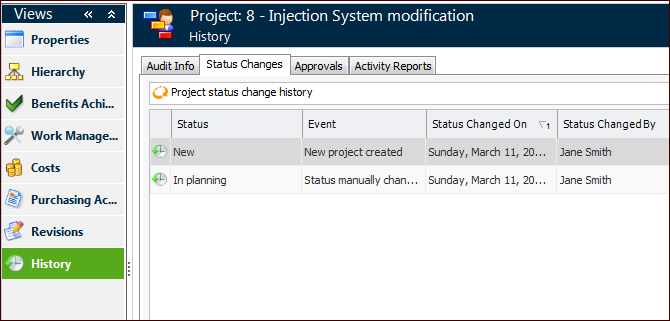
You can view historical status changes on the project’s History view, which shows both manual and automatic status changes. If the Event column lists an event, such as “Project Created”, the status change occurred automatically. If the Event column states “Status Changed Manually”, then the status was changed manually. For more information on manual status changes, see Changing Project Status.To View a Project’s Status Change History