The asset’s consequence priority number appears in several places in APM, including the Asset window, Properties view,
General tab. You can also review and compare asset priorities in the following locations:
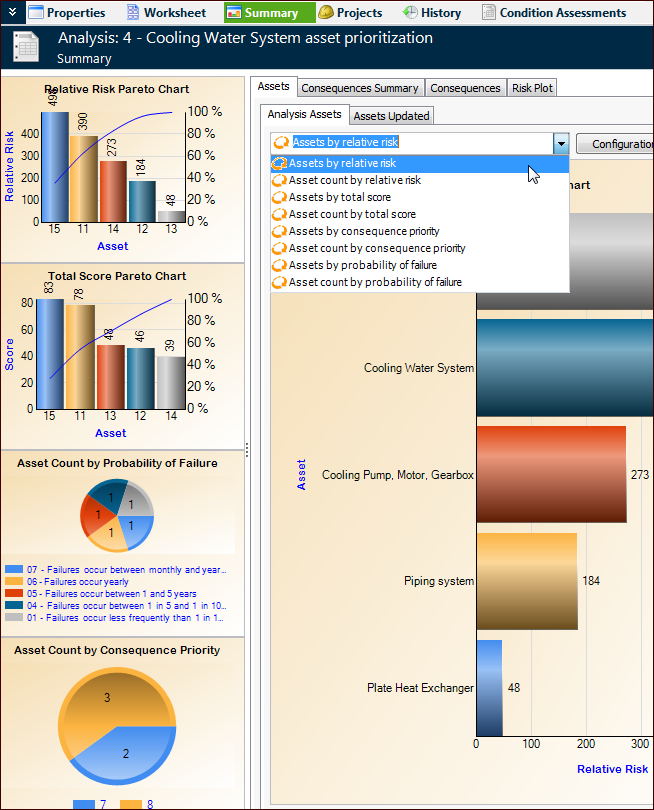
Open the asset prioritization analysis and select the Summary view. The charts in this view compare the assets’ relative risk scores, total consequence scores, asset counts by failure probability, and asset counts by consequence priority.
The Assets tab lists the analysis assets. You can click the View as Chart icon

to compare the assets in a graphical way. You can select from several configurations. For example:
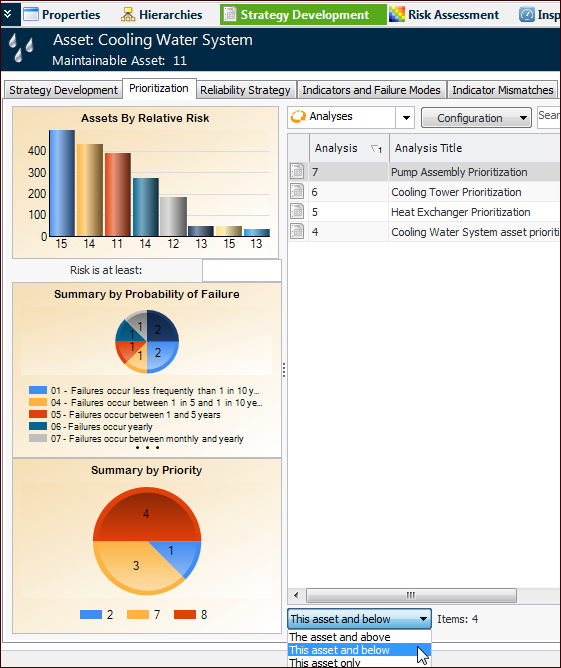
Open the asset and select the Strategy Development view and the
Prioritization tab. The table lists the analyses for the current asset only, the asset and below, or the asset and above.
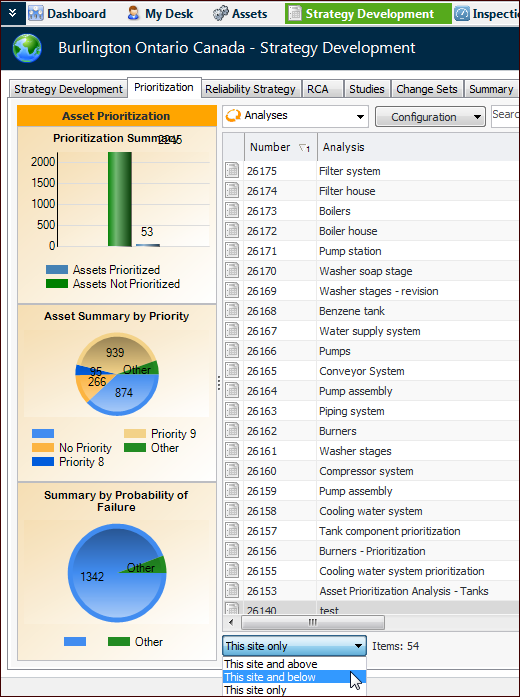
From the Site window, select the Strategy Development view and
Prioritization tab. The Analyses table configuration lists the analyses for the current site only, the current site and below, or the current site and above. For example: