
Viewing Indicator Snapshots on Work Order Tasks

You can have APM take “snapshots” of indicators for the asset that is being worked on for a work order task. The snapshots option is set up on each indicator. If you are collecting snapshots, you can view them on the work order task.

To View Indicator Snapshots Taken on a Work Order Task
1.
2.
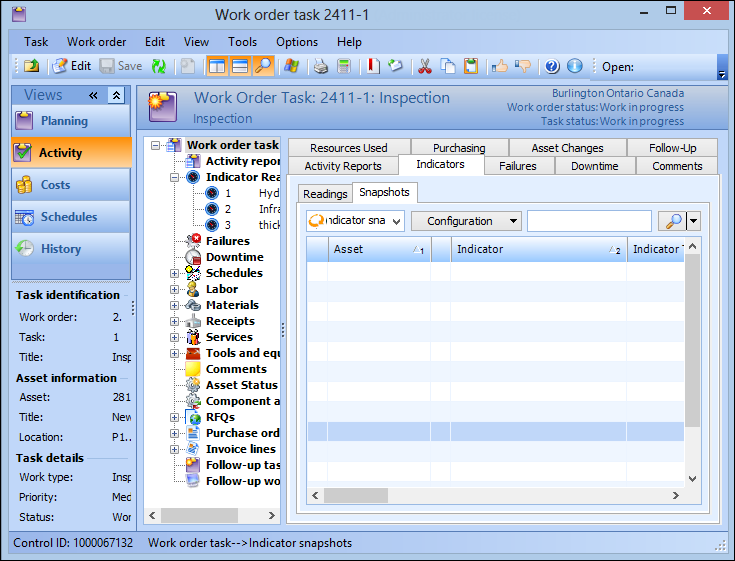
From the Activity view, select the Indicators tab.
3.
Select the Snapshots tab. Any snapshots taken for the work order task are listed here.
 
Tip: You can also view indicator snapshots on the Work Order Task window, Planning view. Select the Inspection tab, Snapshots tab.