Viewing Chart or Gauge Details from the Readings View

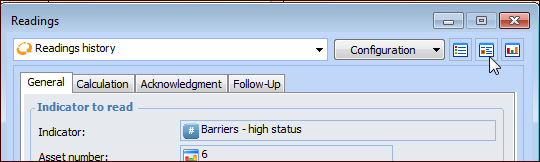
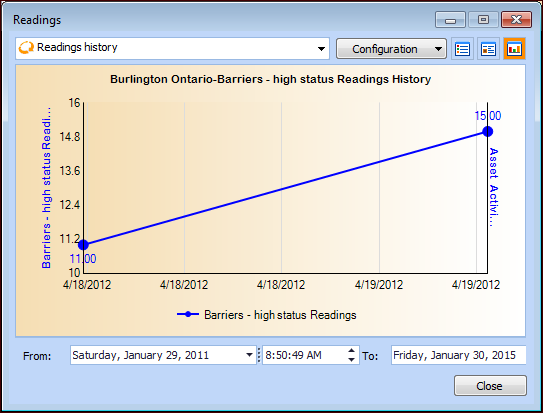
APM allows users to expand a chart or gauge displayed using the Chart view to see details about its readings. You can also change the date range and times for the readings and view the information in chart, table, or forms format.
This topic describes how to view details of a performance indicator chart or gauge from the Readings view.

To View Chart or Gauge Details From the Dashboard
1.
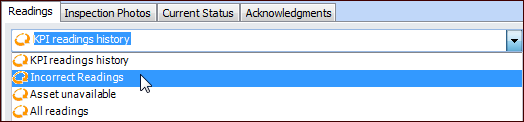
In the Indicator window, select the Readings view, Readings tab.
2.
3.
4.
5.
6.
When you are finished, click Close to close the Readings dialog and return to the Dashboard view.