|
|


Viewing Asset Risk Summaries
Note: Asset hierarchy risk summaries are generally available product features. You must first enable features 121 and 137 to use the functionality in APM. In the Enterprise window, select the Features view and the Enabled Features tab. Click Browse, select “Asset risk summaries” and “Asset hierarchy risk summaries”, and click OK. If APM is running as a smart client, click Refresh Enabled Features on the server. Then restart the client to use the functionality.Each summary is based on the asset’s maintenance action plans for which criticality evaluation was performed, as long as the failure modes are marked “implementation completed”. Only primary action plans are considered, with the exception of Shortest task frequency, which includes secondary action plans as well. If versions are in use, only the current version of the failure mode is included.Tip: This topic explains how to view risk summaries for individual assets and their descendants. You can also view asset risk information for all assets in the site. In the Site window, select the Hierarchy Risk or Asset Risk view.The asset type determines which summaries are available in the Asset window. For more information, see **Setting up Asset Types.To View Risk Summaries
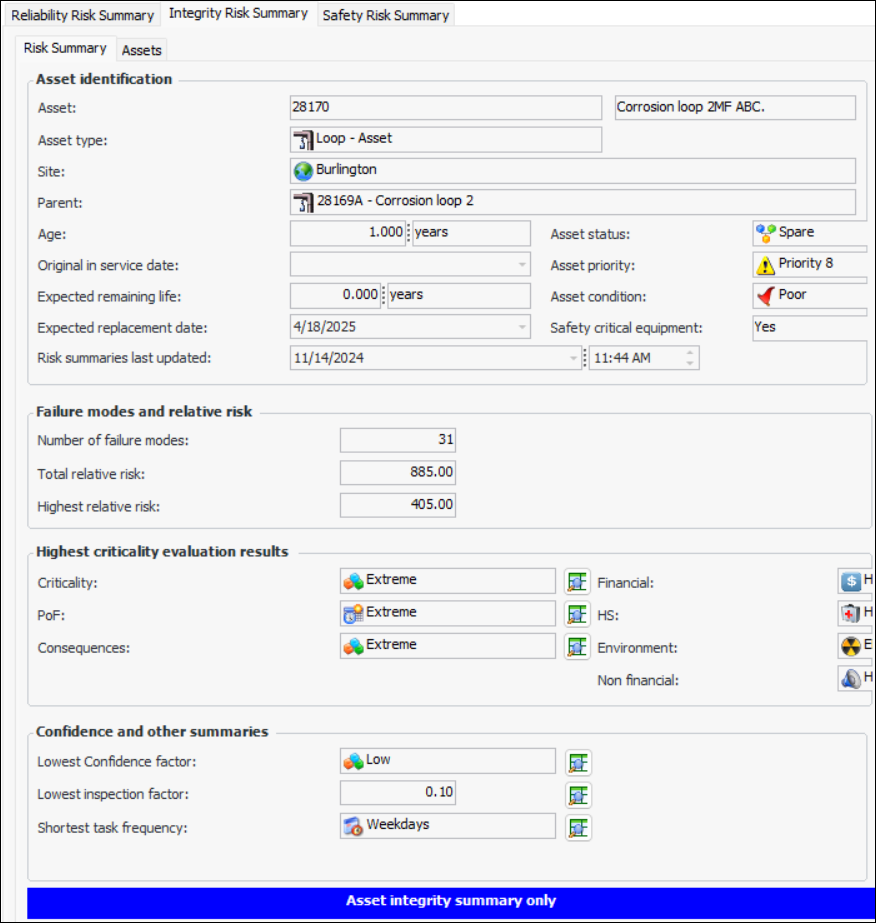
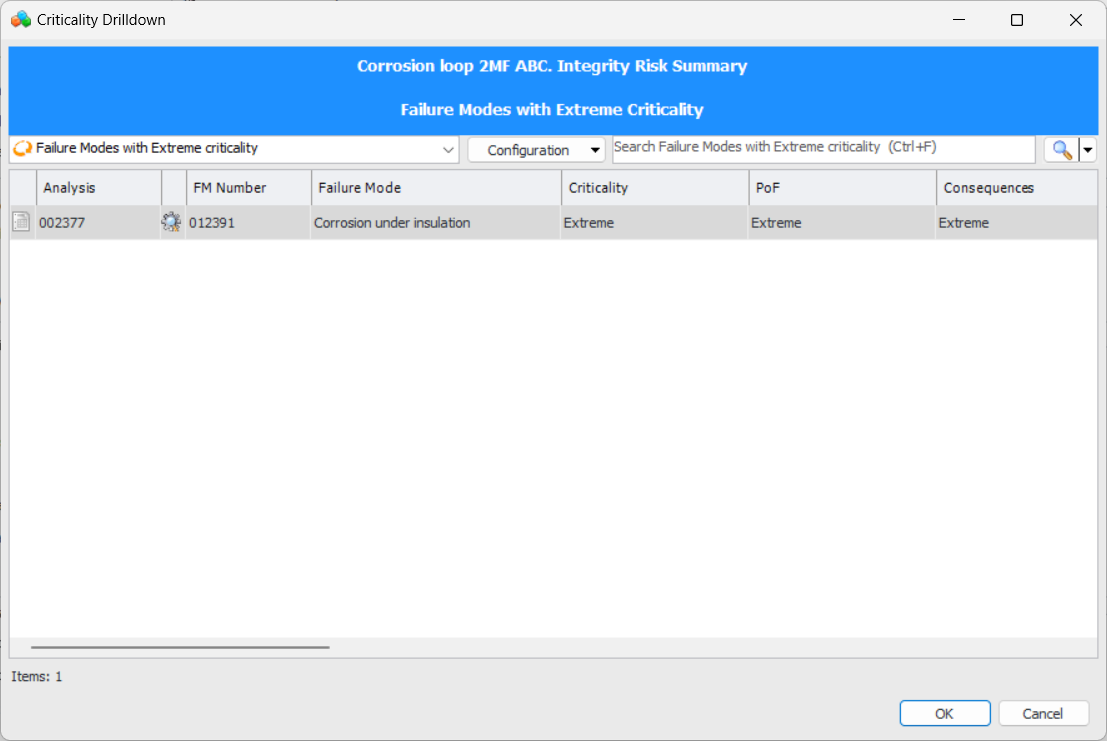
for any of the values to open a dialog listing failure modes that represent that value. In the example, you could open the dialog next to Criticality to view a list failure modes with the criticality score of “Extreme”:
The Assets tab shows a list of assets in the same branch of the hierarchy with their summaries. If the Circuit tab is available, it shows the same information for assets in the circuit.To View Hierarchical Risk Information
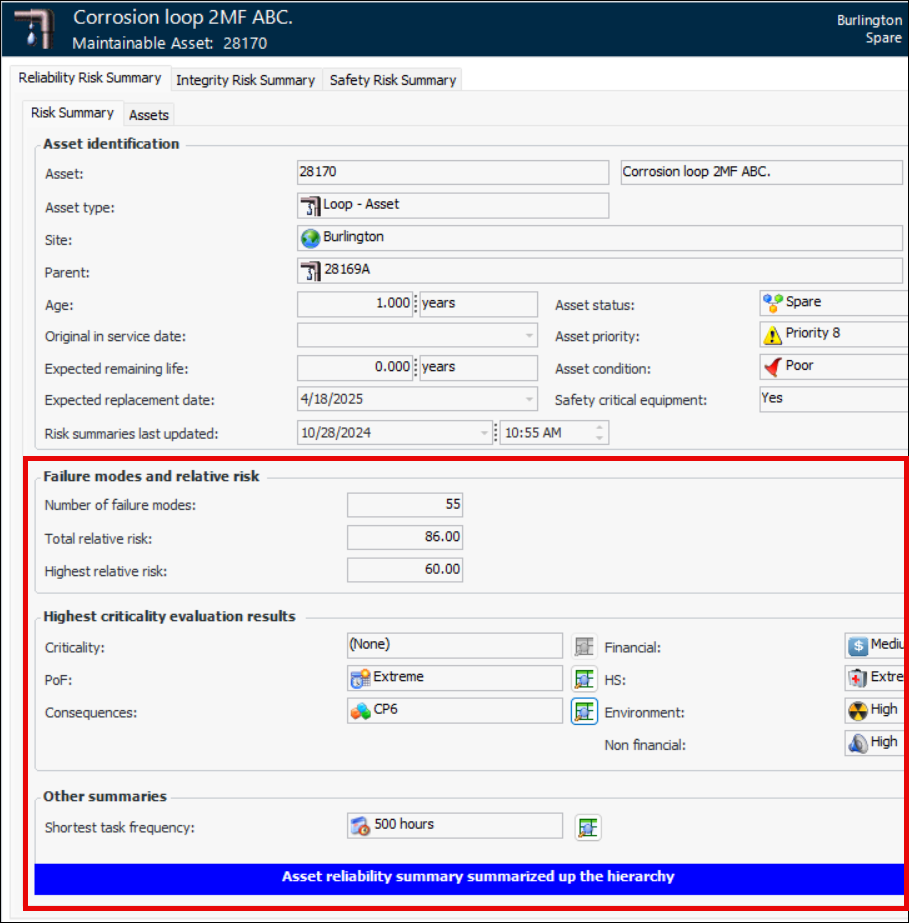
) to open a window listing the failure modes that have that value.
The Other summaries area displays the shortest task frequency on the summarized assets.The Integrity Risk Summary tab includes the following:The Safety Risk Summary tab includes:To Update Asset Risk Summaries
To View Assets with Similar Risk
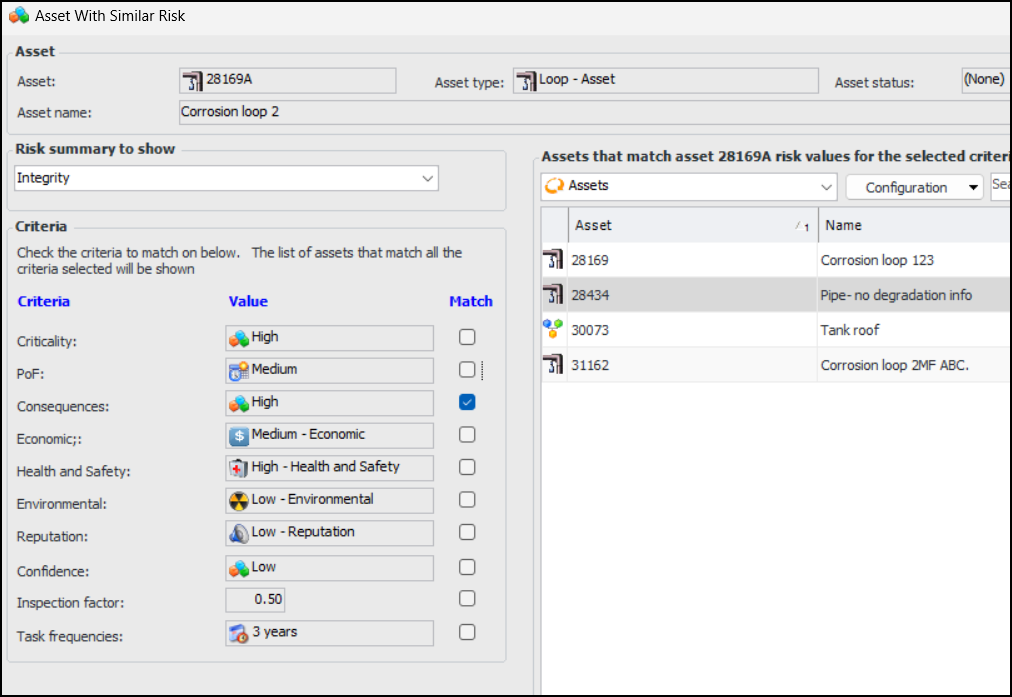
Using this tool, you can view all assets on the site that share criteria values. To view assets with similar risk, open the Asset window, click the Tools menu and then Similar Risk Profile. The Asset with Similar Risk window opens. For example:You can select one or more criteria from the Match list. The “Assets that match” table has columns showing risk information.Viewing the Site’s Risk Summary Charts
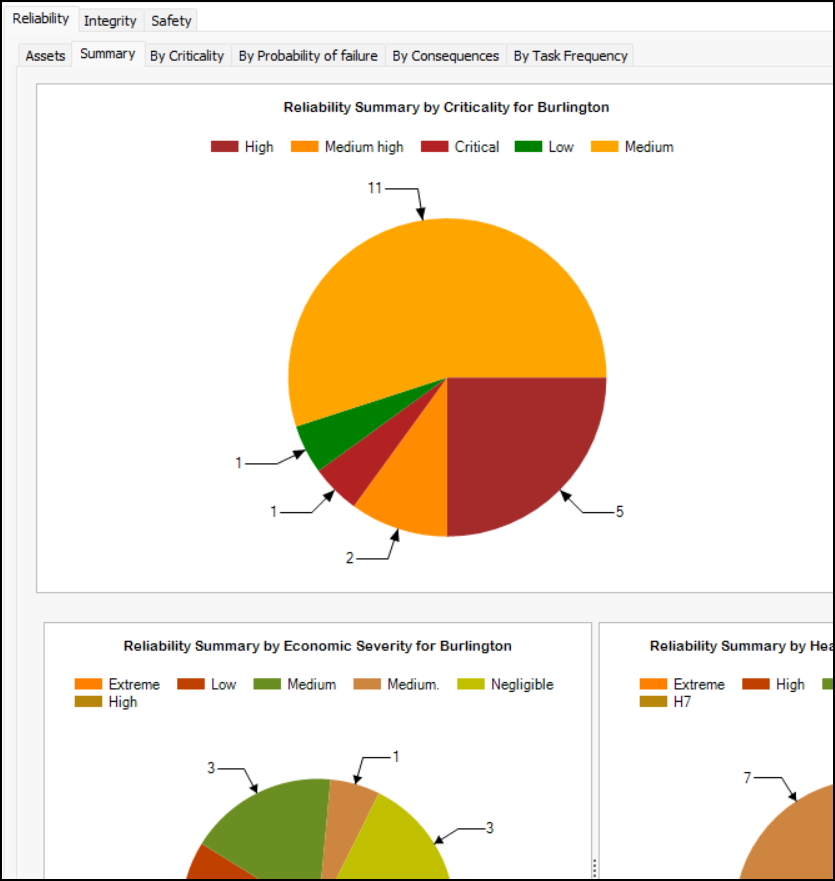
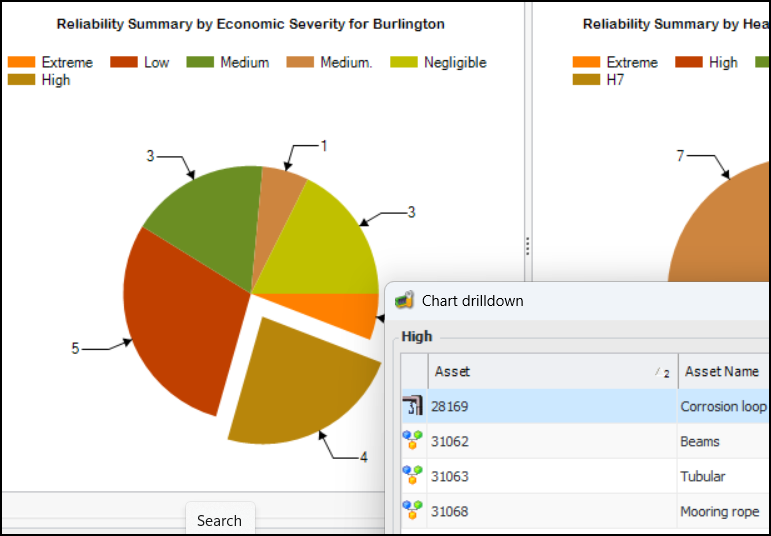
In the Hierarchy Risk and Asset Risk views in the Site window, you can select the Summary tab to view the following charts:Each of the Reliability, Integrity, and Safety tabs contains a Summary tab. Here is an excerpt from the Site window’s Asset Risk view, Reliability tab, Summary tab: