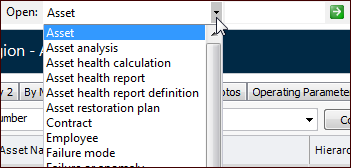
Concepts Tasks Using the Find Bar to Open Objects The find bar offers quick access to a specific object when you know the object’s number. To Use the Find Bar 1. Select the type of object from the Open list. 2. Enter the object’s user key, for example: 3. Click the arrow button. APM opens the object. Tip: You can create Find Bar sets to define the objects that are available for selection in the list, based on the user or the enterprise. For more information, see Creating Find Bar Sets.