|
Importing Time Zone Information
To Run the Time Zone Import Utility
4.
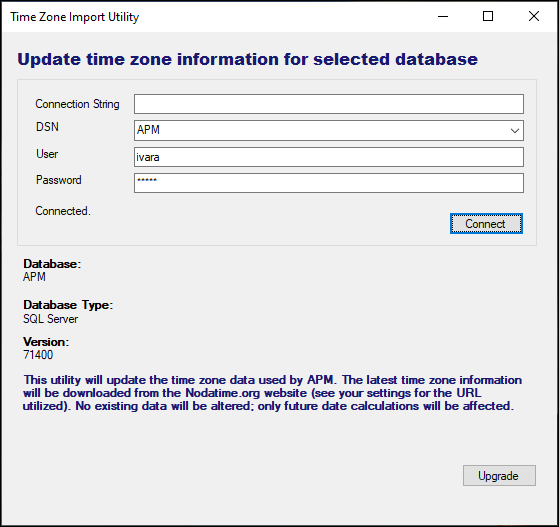
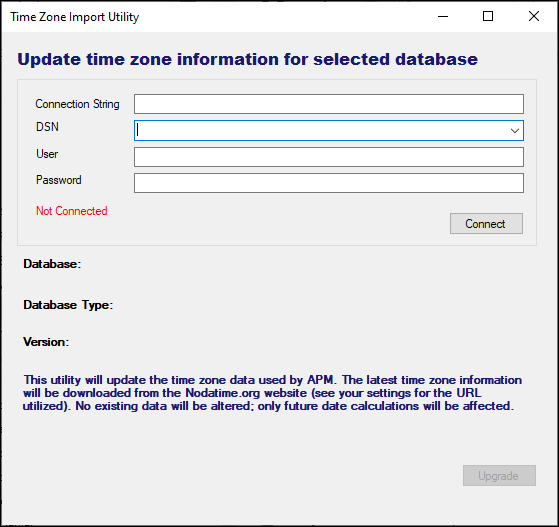
6. Click Connect. When the utility successfully accesses the APM database, “Not Connected” is replaced by “Connected”, database information is added to the dialog, and the Upgrade button is enabled. For example:
7. Click Upgrade. A progress bar shows the upgrade process.