|
Viewing Warehouse Balances for Tools
To View a Tool’s Warehouse Balances
1.
2. Select the Warehouses tab, and then select the warehouse in which the resource is stocked, in the table on left side. The list of stocked resources for the selected warehouse is displayed in the table on the right.
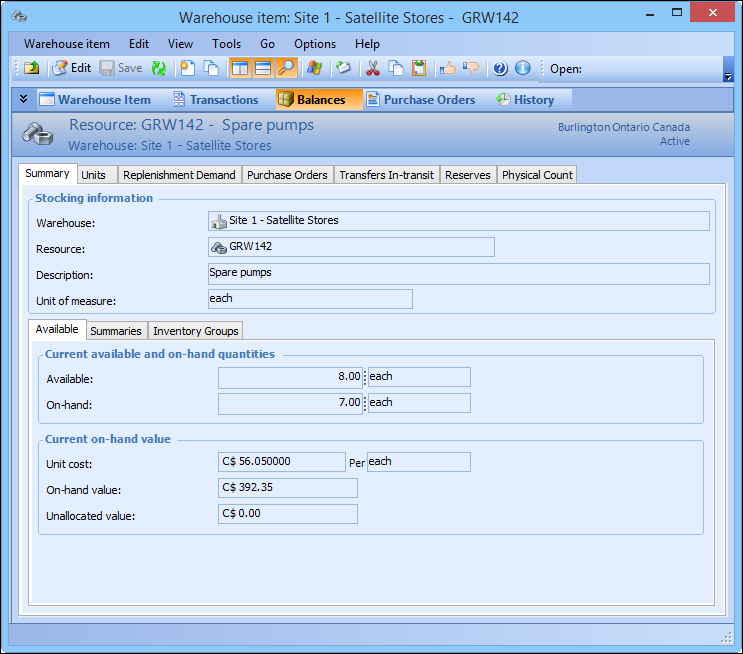
4. Select the Balances view. The view lists warehouse item balance information. For example:
5. Select the Summary tab, and then the Available tab to view current available and on-hand quantities as well as current on-hand values.
6. Select the Summary tab, and then the Summaries tab to view replenishment demand, on order, in transit, reserved demand, and in-use tools.
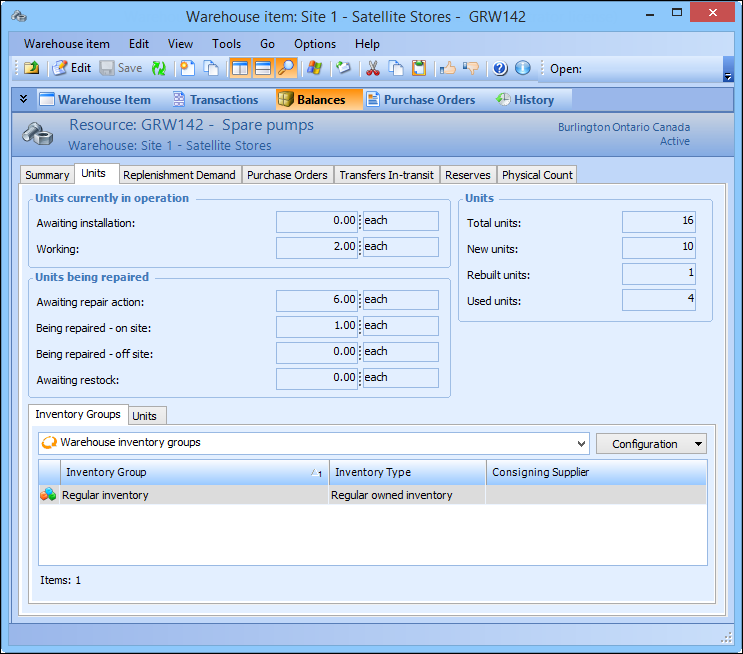
7. Select the Units tab to view units that are currently in operation, being repaired, and total units overall. For example: