|
Linking Assets to Non-serialized Resources
To Link Multiple Assets to a Non-serialized Resource
3. Select the Assets view. By default, a summary list of assets by asset status appears.
4. Select the Assets configuration. A list of all assets linked to this resource appears.
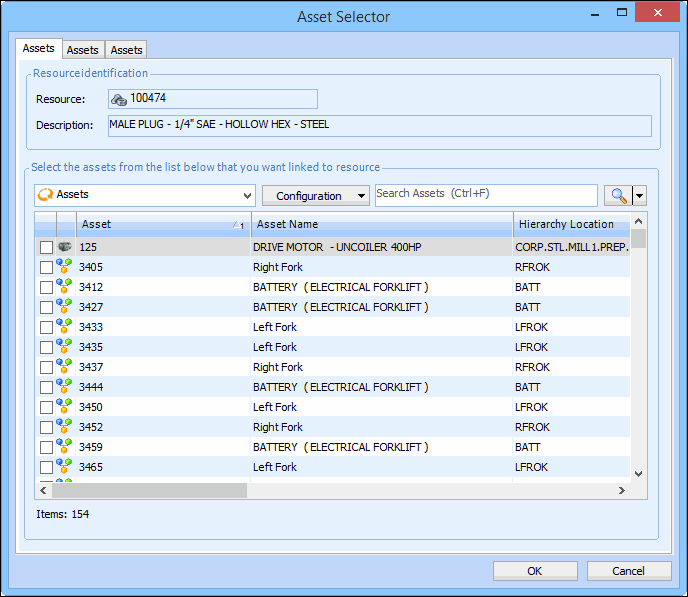
5. Click Browse. The Asset Selector dialog appears.