Viewing Usage Information for Tools

You can view a tool’s usage information. This will provide a list of each usage transaction posted for the tool.

To View a Tool’s Usage Information

1.
From the site’s Resource Management view, select the Tools tab, and then the Catalog tab. By default this tab lists tools for the current site and above.
2.
3.
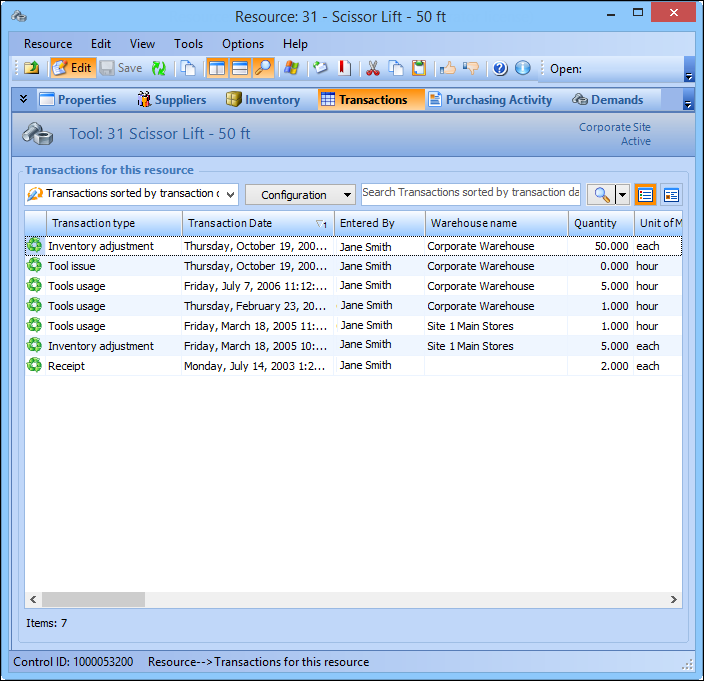
Select the Transactions view.
4.
From the configuration list, select Tool usage. The table lists the usage transactions for the tool. The costs are listed in the Unit Cost and Value columns.
5.
6.
When you are finished, Close the Resource window.