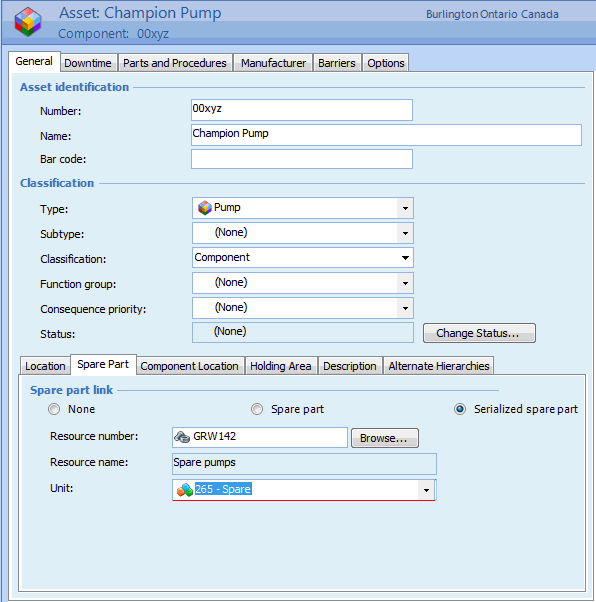
Concepts Tasks Settings Viewing Serialized Unit Information From a Tool Asset If a maintainable asset is linked to a serialized tool resource, you can view the resource and the unit number from the asset. To View Serialized Unit Information for a Tool Asset 1. Open the asset. 2. On the Properties view, select the General tab, and then the Spare Part tab.This tab displays spare part information for this asset. 3. When you are finished, Save and Close the Asset window.