
Planning Tool Work Order Requirements

You can add a requirement for a tool from the warehouse or from a supplier to a work order task. As with other requirements, the planned cost of the tool requirement is included in the work order and task’s planned costs.
When you plan a tool requirement on a work order task, the system automatically creates a requisition line when the work order is marked as planned, or is approved.

To Plan a Tool Requirement on a Work Order
1.
2.
3.
Select the Planning tab, and then the Tools tab.
4.
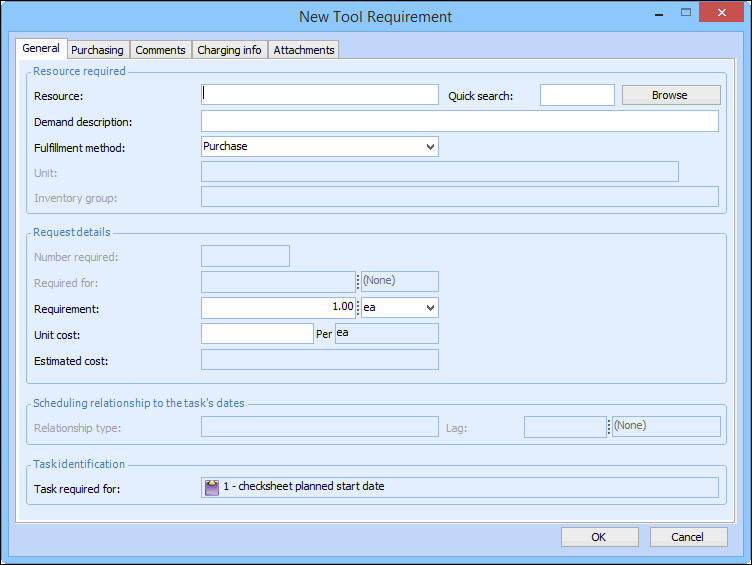
Click New. The New Tool Requirement dialog appears.
5.
On the General tab, enter the resource or click Browse to select the tool from the list, and then click OK.
6.
7.
The amount of time that each employee, contractor, tool, or service person is required. For example if you are entering a trade requirement, enter how long each employee will need to work on this task. The total time entered for the requirement will be calculated as:
Number Of x Required For
8.
9.
Click OK to save and close the New Tool Requirement dialog. The item appears in the list on the work order’s Planning tab, Tools tab.
10.
11.