Creating Supplier Resources and Defining Rental Rates for Tool Rentals

A supplier resource adds supplier information, such as price and delivery terms, to a resource. Each item that you purchase from a supplier must be a supplier resource. The resource and the supplier must be set up in APM before you create the supplier resource. For more information on creating supplier resources, see Creating a Supplier Resource.

To Create a Tool Rental Supplier Resource and Rental Rate
1.
From the site’s Purchasing view, select the Suppliers tab, and then the Suppliers tab.
2.
3.
Select the Resources view, then the Resources tab. By default, this tab lists all supplied resources for this supplier and below.
4.
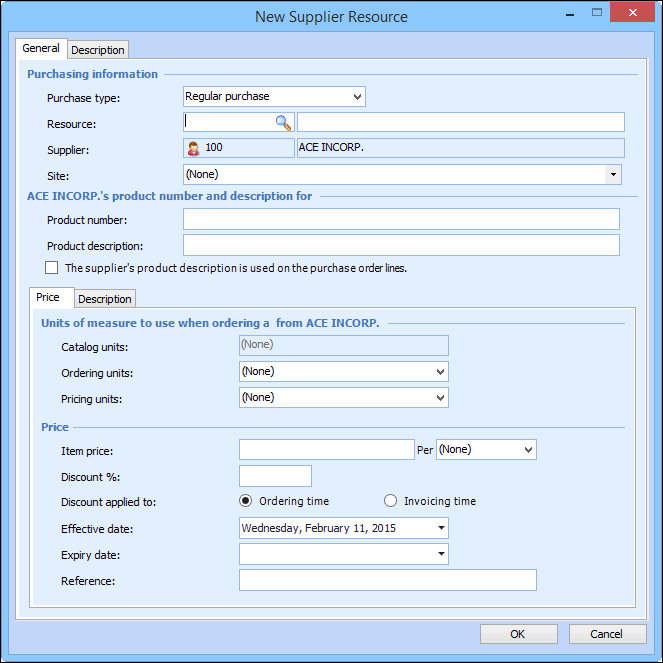
Click New. The New Supplier Resource dialog appears, open to the General tab.
5.
6.
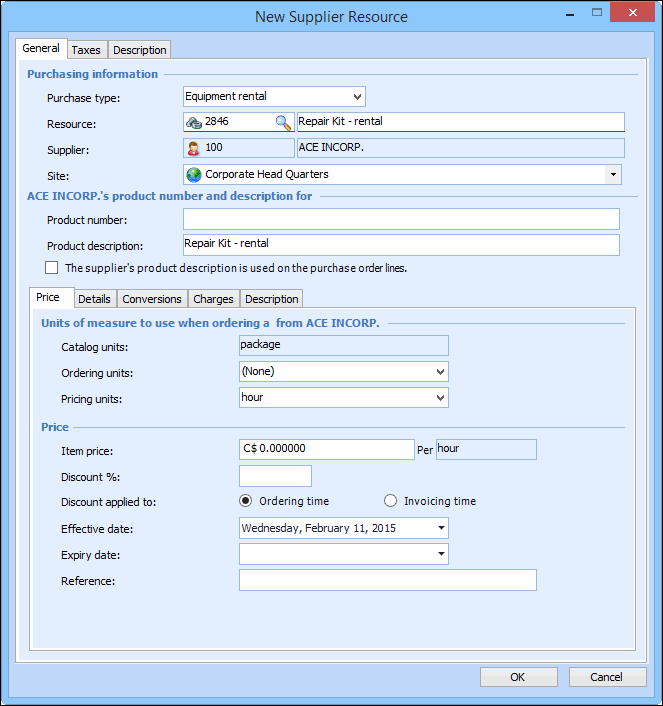
In the Purchase Type box, select Equipment Rental.
7.
Select the Price tab, and enter the rental rate for the item in the Item Price box. For example:
8.
9.
To save your changes and close the dialog, click OK. The resource now appears in the list of supplied resources.
10.