
|
Creating Requisitions for Tool Rentals
To Create a Requisition for Rental Equipment
1. From the site window, select the Requisitions view, then the Requisitions tab, and then the Requisitions tab. By default, this tab displays all open requisitions for the site.
2.
3.
4. Enter a title for the requisition in the Title box. You must enter a title to save the requisition.
5. Enter the Date required.
6. On the Charging tab, enter the charging information by selecting a work order, asset, or account to charge, and then browse to select the item and then click OK.
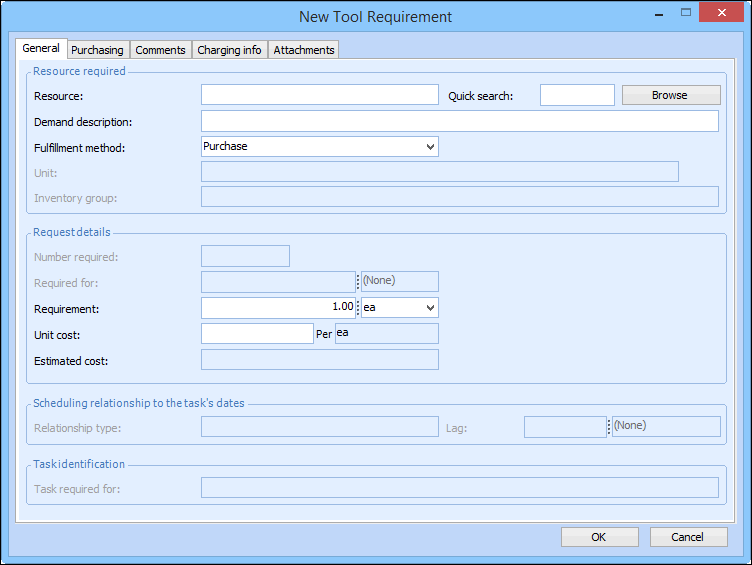
7. Select the Lines tab and then click the New list and select Tool Requirement. The New Tool Requirement dialog appears.
8. Click Browse, and then select the tool from the list.
9.
10. Select Equipment Rental for the fulfillment method. The purchase type on the Purchasing tab now displays “Equipment Rental”.
11. Enter the Required for amount and unit of measure.
12. On the Purchasing tab, browse to enter the Supplier. The cost is based on the rental rate on the supplier resource for the resource.
13. Click OK to save and close the New Tool Requirement dialog. The item appears in the list of items to requisition on the Requisition dialog.
14. When you are finished, Save the requisition.