|
Tool Bar Buttons, Shortcuts, and Menu Options
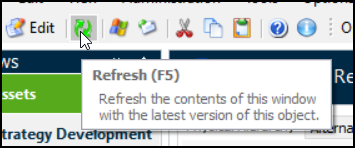
The following table describes the common tool bar buttons. Equivalent menu commands and shortcuts are also shown. This example shows the tool bar in the Asset window:Tip: When you hover your mouse pointer over a tool bar button or menu option, APM also displays a tool tip for the menu command, for example:
Open the window directly above the current one. For example, if you are looking at an asset window, click Up One Level to open the Site window. If the Site window is currently displayed, click this button to open the Enterprise window. Alt + ↑ Object menu, Allow Editing Object menu, Save View menu, Refresh Object menu, Send To Tools menu, Add to Favorites Edit menu, Cut Edit menu, Copy Edit menu, Paste Help menu, Help Topics Help menu, About APMHiding the Menu Bar
•
• To use a menu item, press Alt. The menu bar displays so that an item can be selected, after which it will be hidden again.
• To permanently display the menu bar if it is hidden, press Alt and select the Options menu and then Menu Bar.