|
|


Sharing a Table Configuration
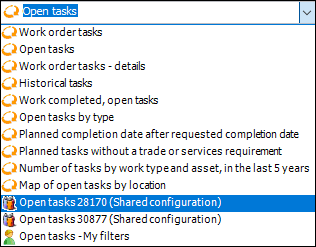
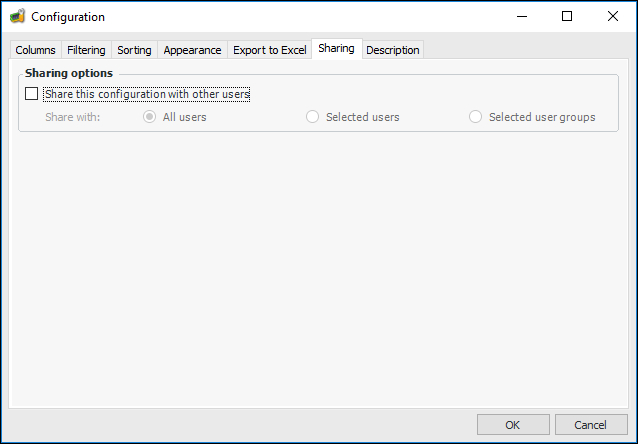
When a configuration has been shared, it appears in the appropriate user(s’) configuration list the next time the configuration is accessed. Users can remove the shared configuration from their configuration list if desired and add it back to their list at any time. For more information, see Organizing Table Configurations.Note: If you are the owner of a shared configuration and you remove sharing or delete the configuration, a confirmation message appears reminding you that other users will no longer be able to see it. If that shared configuration was set as a user’s default configuration, the system will revert to the first configuration in the list as the default configuration. For more information about removing sharing from your configuration, see Removing Sharing from a Table Configuration.To Share a Table Configuration