|
|


Sharing and Partitioning Data Between Sites
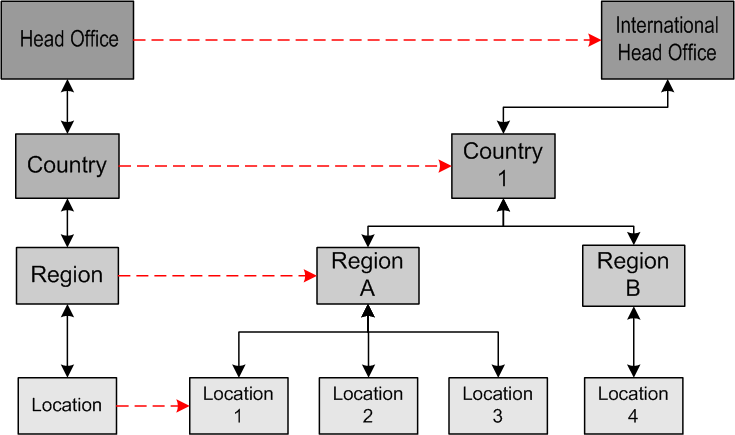
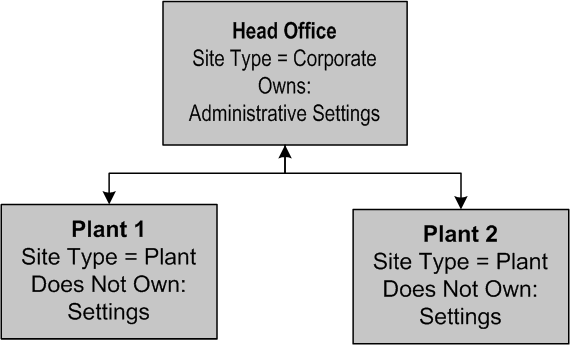
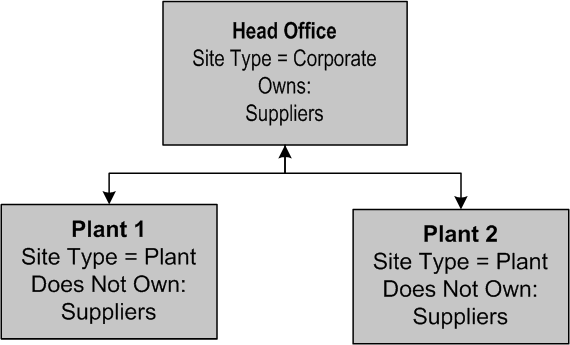
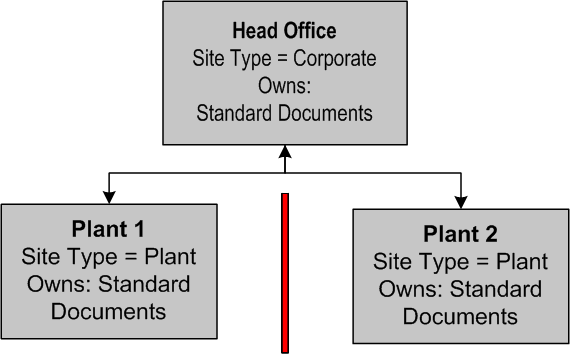
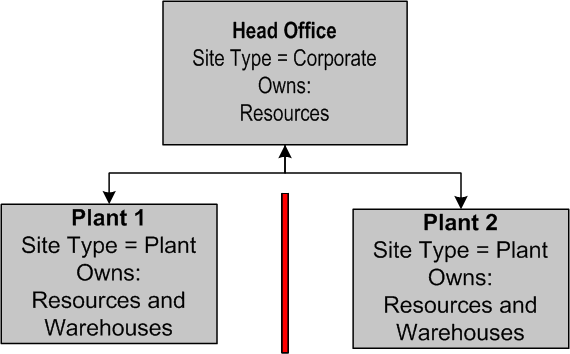
In a multi-site environment, different sites can own different types of objects. Object ownership is defined by site type and identifies which sites control and maintain the information about an object. For example, some objects, like resources or standard task templates, might be owned by a head office but used by the various lower-level sites. Part of setting up your site hierarchy includes determining which sites own which types of objects as well as which sites need access to those objects.Sharing Common Data Between Sites
Sharing certain common types of data makes the reporting process easier (you can compare apples to apples). For example, if you want to see how much you are spending on maintenance for one type of equipment, system, or sub-system of assets, you want to be able to compare the same costs between the various sites in your company. Defining asset types at the highest level in the site hierarchy ensures consistency in the reporting of data (based on asset type) between lower-level sites.Partitioning Data Between Sites
What Are Site Types?
How are Site Types Used in the Site Hierarchy?
General Rules of Object Ownership
Foundation Objects
Maintenance Objects
Analyses
Materials
Asset Health
Approval settings are also site-specific. You will set up document approvals at the site that owns the document objects (work request, work order, requisition, purchase order and asset transfers).Value Lists
Employees
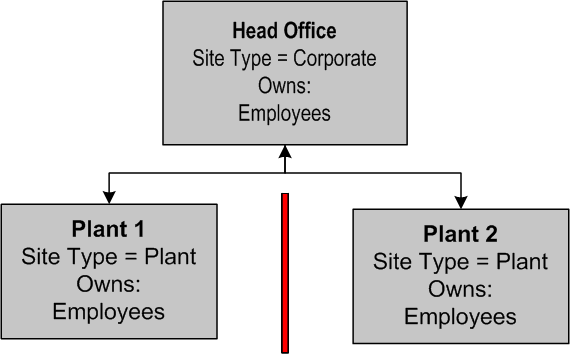
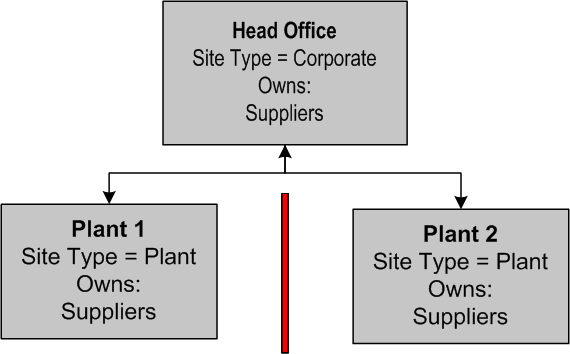
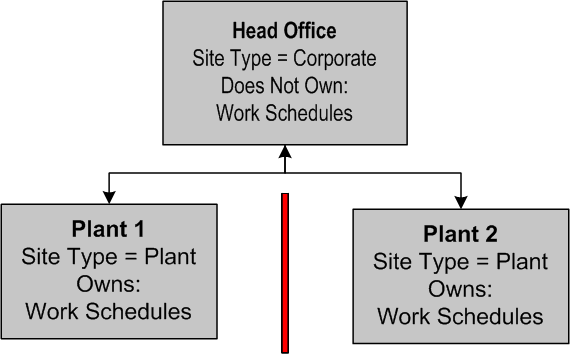
An employee can belong to only one site at a time in APM: the site in which the employee profile is created (the employee’s working location). It is in this site that the employee must enter all of his or her transactions (for example, timecards, issues, and so on). If the need arises, you can transfer an employee to another site. In order to transfer an employee, that employee must have no unfinished work or responsibilities at the site from which he or she is transferring. For example, he or she cannot be included in the availability of an open work schedule.Further, to identify an employee responsible for a document (for example, a buyer of a particular item from a supplier or a planner of a work order or task template), he or she must be added as an employee at the site that owns the documents or objects. For example, planners must be added at a site at, or higher than, the site that owns the task templates and work orders.Suppliers
Resources and Warehouses
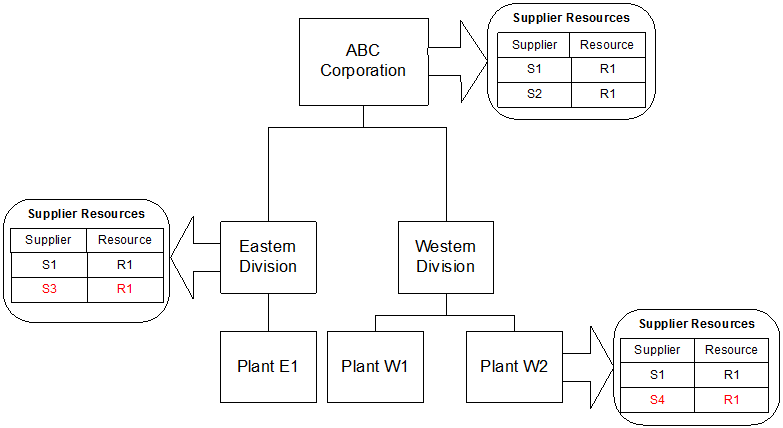
Supplier Resources
Resource Transactions and Transaction Forms
Requisitions
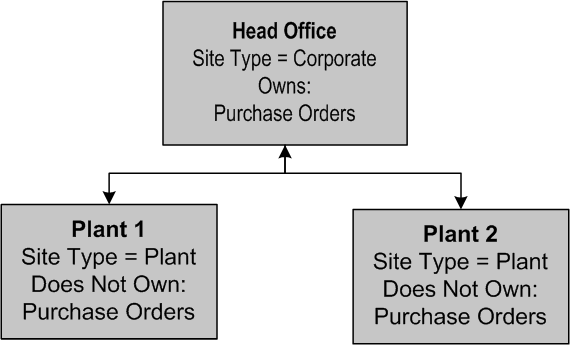
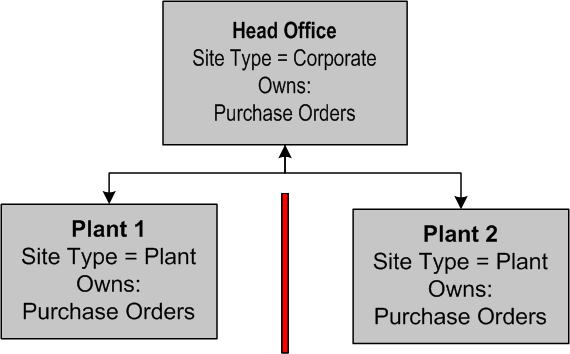
Purchase Orders
Requests for Quotation
Contracts
Assets
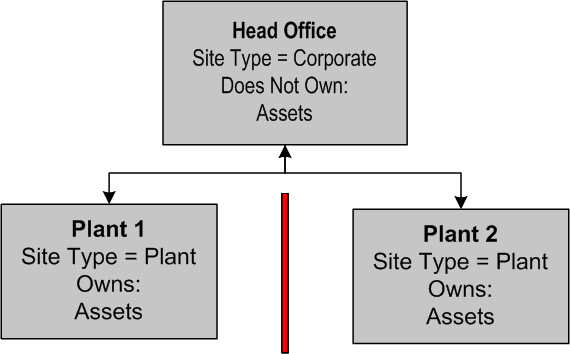
Assets are usually owned by the lowest-level site type. The lowest level in your site hierarchy is where most of the asset-related activity occurs. An asset must be created in the site in which its maintenance work occurs. When you set asset ownership, work request, and work order (and requisition, based on work order) ownership is set automatically in that site type. But you can change this if you wish.Asset Transfer Documents and the In-Transit Site
Work Requests and Work Orders
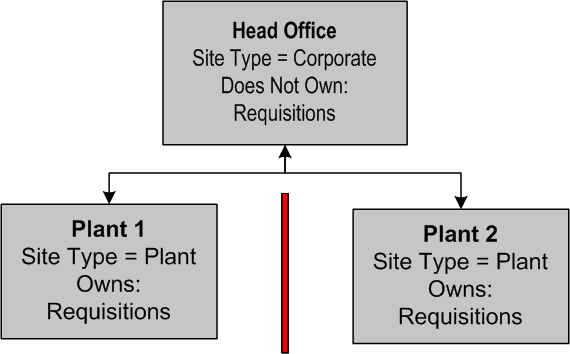
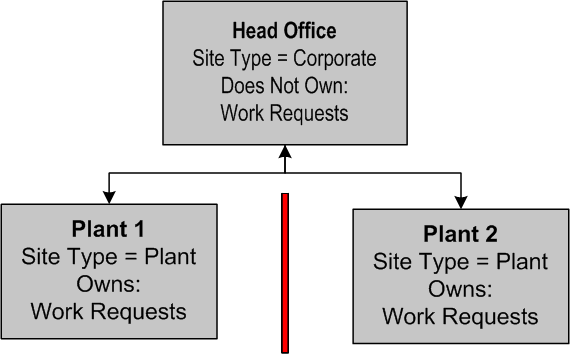
Work requests and work orders should be owned at the same site type as assets. They must be created in the site in which the maintenance work will occur. When you set asset ownership, work request and work order ownership are automatically enabled as well. You can change this if you wish, but it is recommended that they are owned at the same site type. When you set work order ownership, requisition ownership is set automatically to the same setting. This setting cannot be changed.Schedules
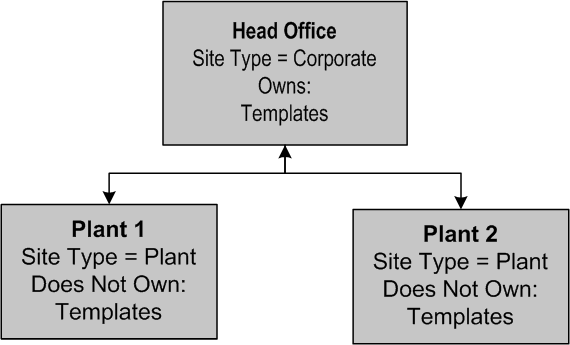
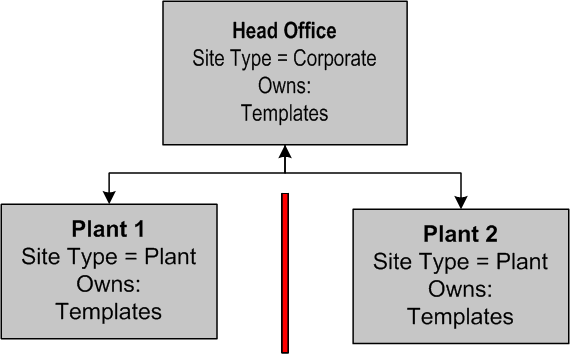
Task and Job Templates
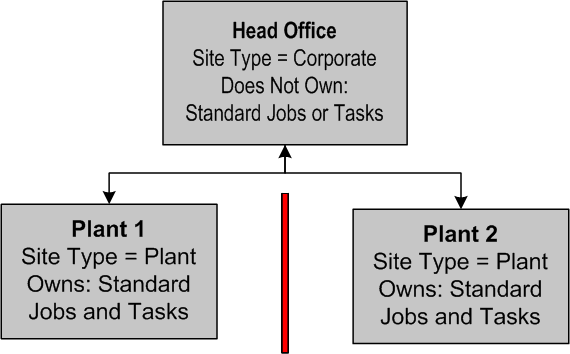
Standard Tasks and Jobs, PM Routes
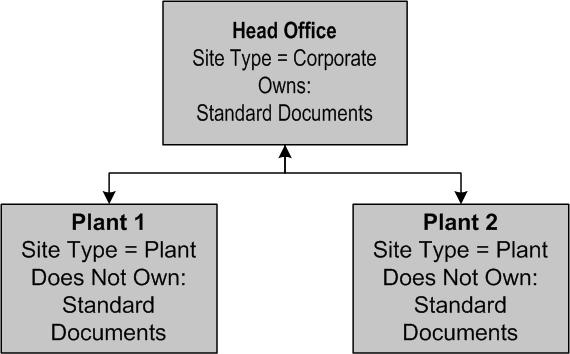
Standard Documents