|
Setting up Site Value Lists
Supported Value Lists
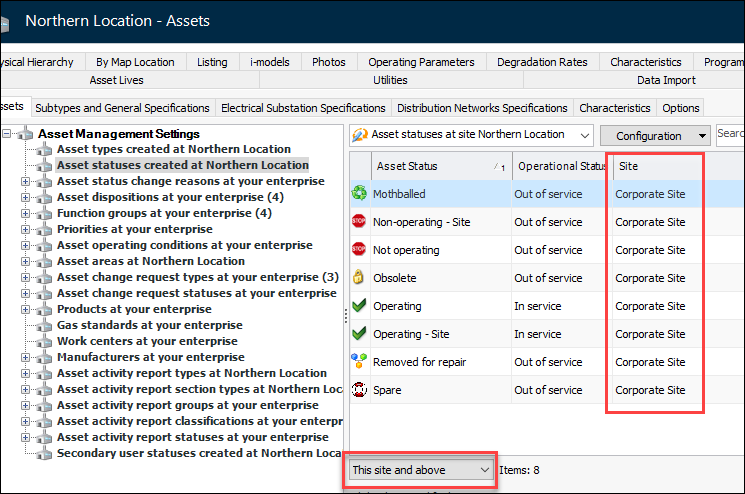
Viewing Site Value Lists
Setting up Site Value Lists
•To Update an AssetWise Interoperability System
1. Open the Enterprise window, select the Integrations view, the AssetWise Interoperability tab, and then the Systems tab.
2.
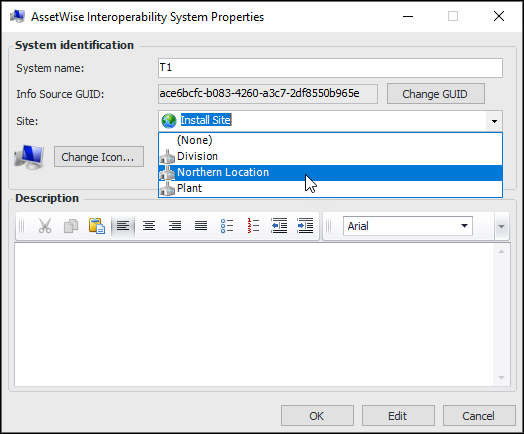
3. Click Edit and select the appropriate site. For example:
4. Click OK to save the system and close the dialog.To Create a Value List Control
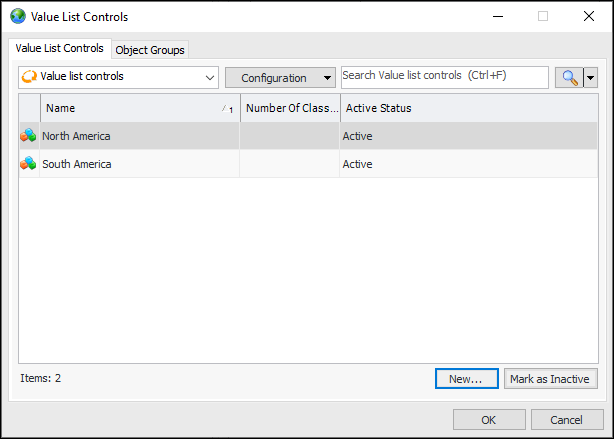
1. In the Enterprise window, click the Administration menu and then Value List Controls. The Value List Controls dialog appears:
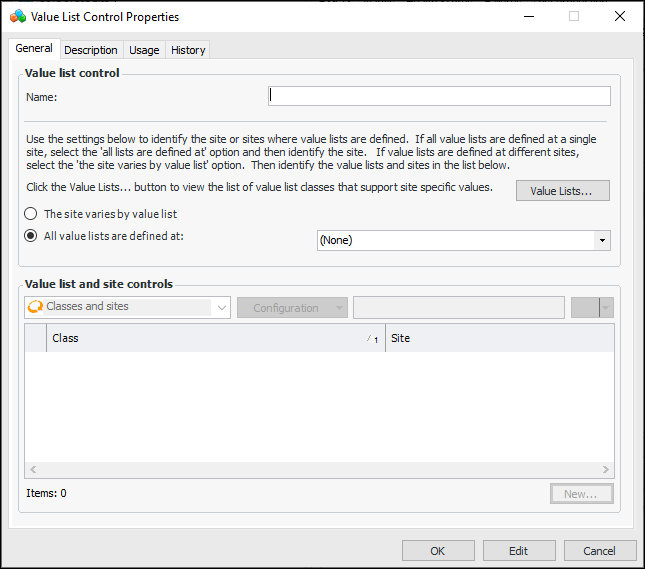
2. Click New to open the Value List Control Properties dialog:
• All value lists are defined at – Select the site from the list
• The site varies by value list – You can click Value Lists to see a list of classes that support site values
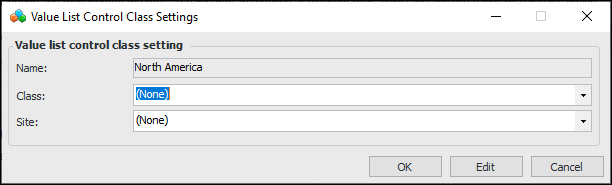
4. When you have created all of the class settings for the control, click OK to close the properties dialog.To Assign a Value List Control to a Site
1.
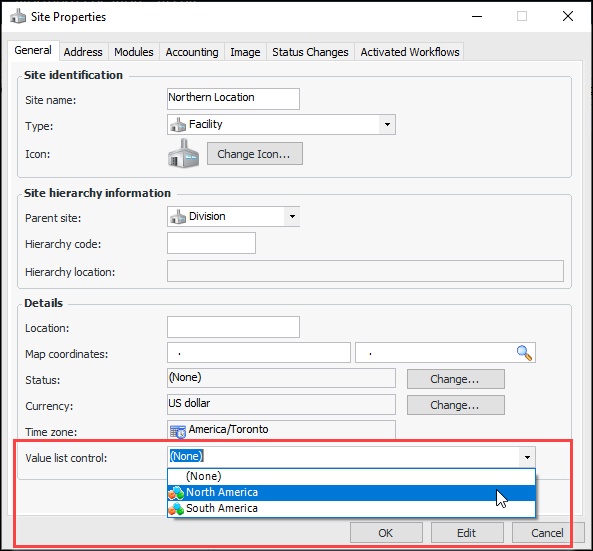
2. Select an option from the Value list control list at the bottom of the dialog:
3. Click OK to save the option and close the dialog.