|
Setting Map Coordinates
To Set Map Coordinates
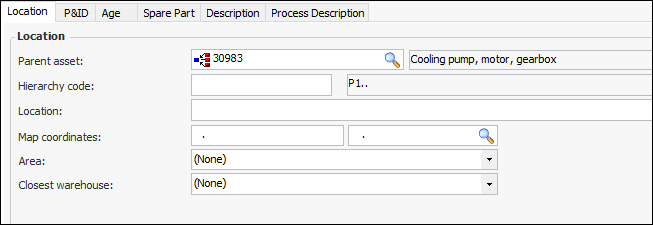
1. Open the object for which you want to set map coordinates. For example, you can open an asset’s Properties view, General tab, Location tab:
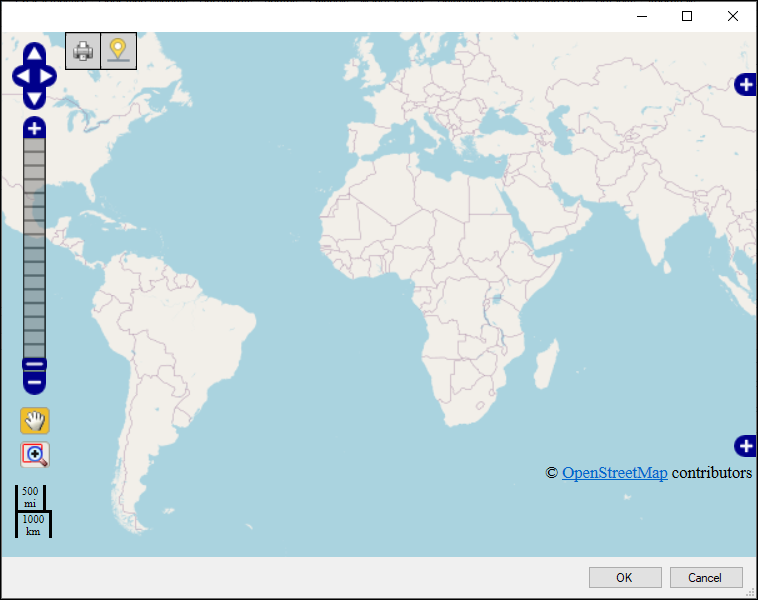
2. In the Map coordinates box, click the browse icon. A map appears. For example:
3.
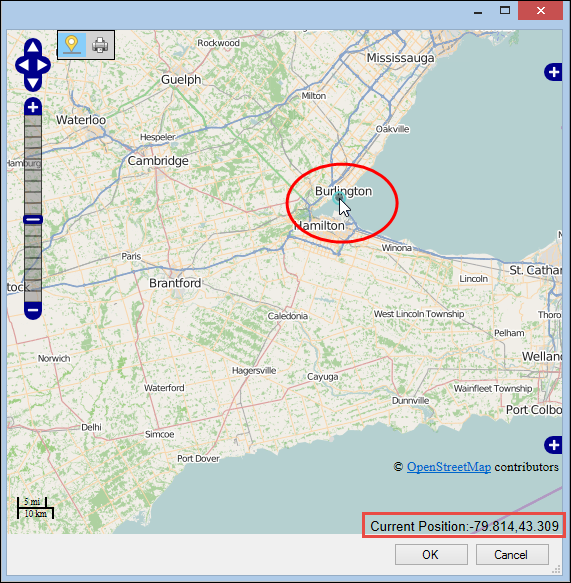
4. Select the Set Locations Mode icon (), and click the location on the map where the object resides. A gray dot appears on the map and its longitude and latitude coordinates appear on the bottom right corner of the map. For example:
5. Select a different location or click OK to accept your selection.