
|
Sending an Asset Activity Report for Approval
To Send an Asset Activity Report for Approval
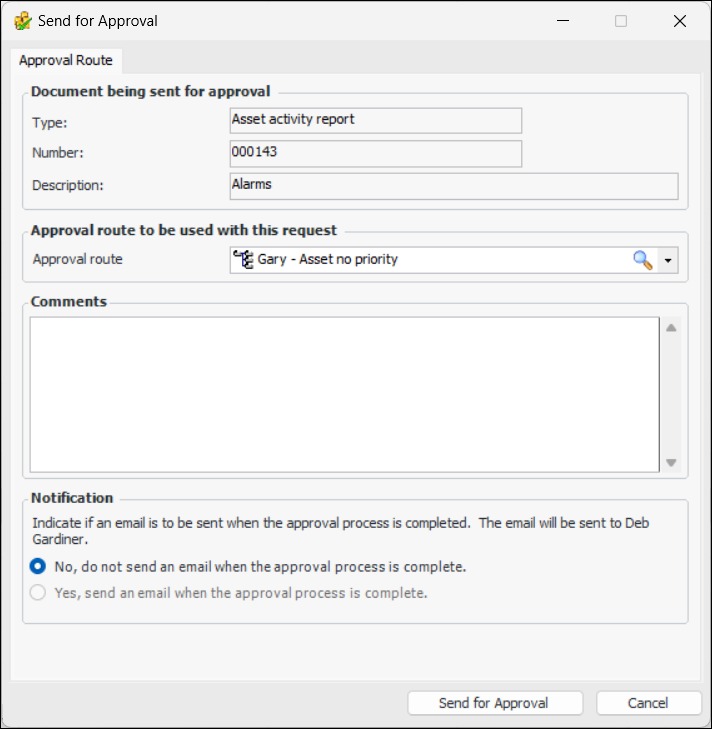
2.
Requester comments are displayed in the site’s Approvers view, Requests tab, as well as in the Approval Request window, Request Info tab.
To have APM automatically send an email to the originator once all approvers have reviewed the request, select Yes, send an email when the approval process is complete.
4. When you are finished, click Send for Approval. The asset activity report is sent for approval.