
|
Sending an Inspection Report for Approval
For more information about setting up approvals, approving documents, redrafting documents, and more, see Document Approvals.To Send an Inspection Report for Approval
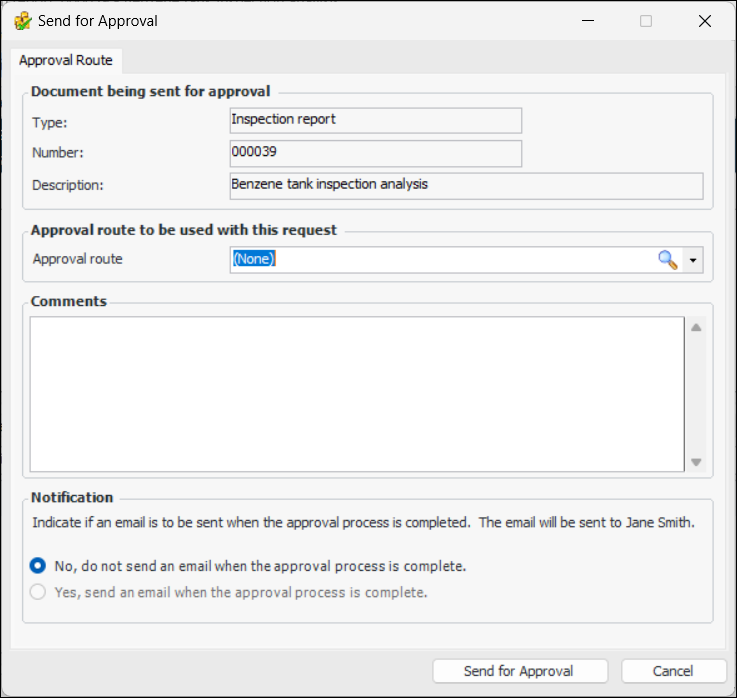
1. From the site’s Inspection Management view, select the Inspection Reports tab. Right-click the report and click Send for Approval. The Send for Approval dialog appears.
2. The Approval Route list contains only routes that are valid for inspection reports. Select a route from the list.
3. Enter a comment, if you wish. Requester comments are displayed in the site’s Approvers view, Requests tab, as well as in the Approval Request window in the Request Info tab.To have APM automatically send an email to the originator when all approvers have reviewed the request, select Yes, send an email when the approval process is complete.
5. Click Send for Approval. The approval request is sent to the first approver on the selected route, and the document’s approval status is changed to “Waiting for approval”.