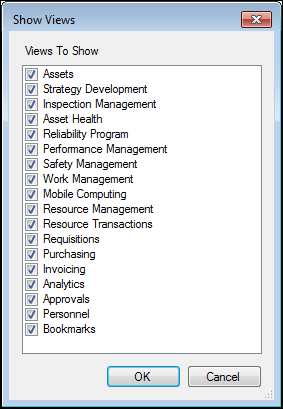
Concepts Tasks Selecting Views for the View Bar You can choose which views will appear in the view bar of the object window. To Select Views for the View Bar 1. Open the site or object window. 2. Click the Options menu and then Views. The Show Views dialog appears. 3. Select the views you want to add to the view bar or clear the views you want to remove. 4. Click OK.