|
|


Hiding and Showing the Tool Bar
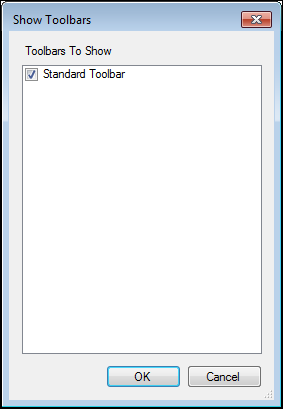
Tool bars contain icons that enable you to complete actions quickly, such as checking out and saving objects, without using the menus. There is one standard tool bar, although the actions available on it depend on context. This example shows the tool bar in the Asset window:To Hide or Show the Tool Bar