
|
Securing Table Configurations
The effect of selecting the Mark as Editable, Mark as Read-only, or Mark as Not Accessible option for a table will depend on the default security level for the class that owns the view. For more information, see Effects of Mark as Options for Views, Tabs, and Tables.Backing Up Your Work
To Secure a Table
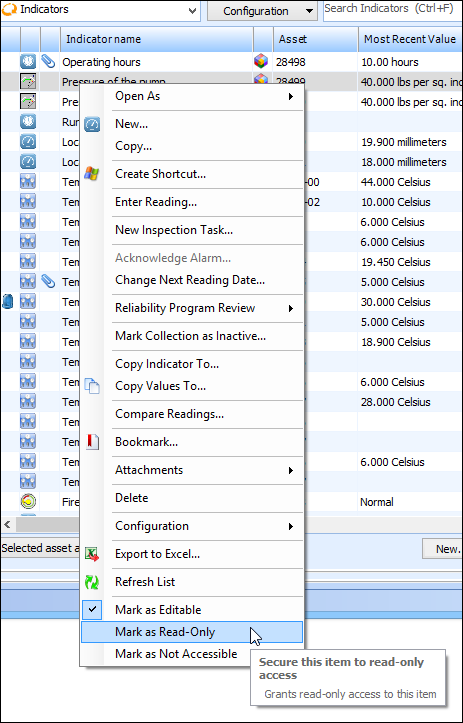
For example, if you right-click the table on the Analytics view, KPIs tab and select Mark as Not Accessible, the system sets the Site to Indicators relationship as not accessible.
4. To review the overrides that were added, navigate to the Enterprise window, Security view. Double-click the active profile to open the Security Profile window. You can open any class security by double-clicking it.