Securing Actions

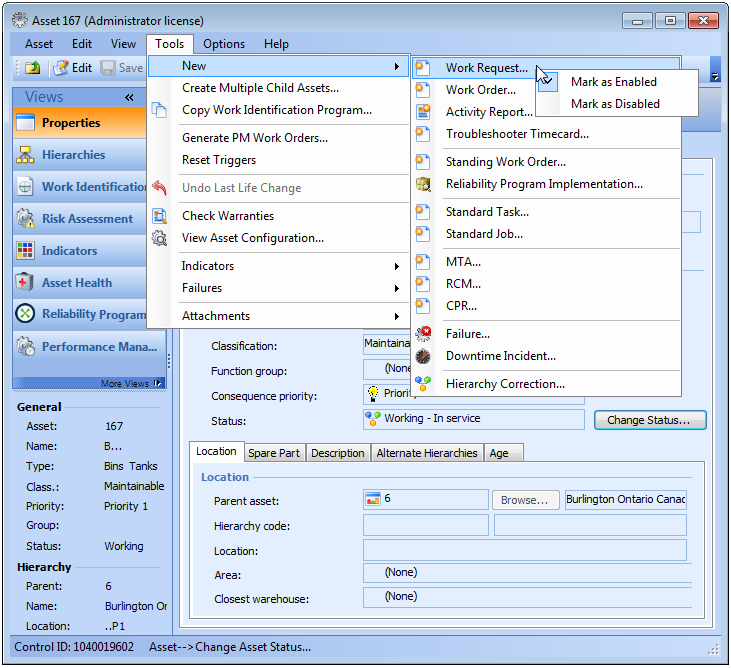
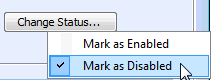
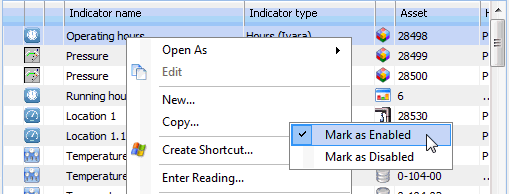
When you are in Security Setup mode, you can directly change the security settings for any action by right-clicking on the action, such as a menu item or a button. For example, to change security for a menu item, you would navigate to the appropriate menu, right-click on the menu item and select either Mark as Enabled or Mark as Disabled.
Note: If an action is represented by both a button and a menu option, you can set the security for that action using either the menu option or button. You do not need to visit both items in order to secure the action.

To Secure an Action

1.
2.
3.
The system automatically adds the required override to the active security profile.
4.
To review the override that was added, navigate to the Enterprise window, Security view, Security Profiles tab. Double-click the active profile to open the Security Profile window. You can open any class security by double-clicking it.