|
|


Creating a Schedule Template
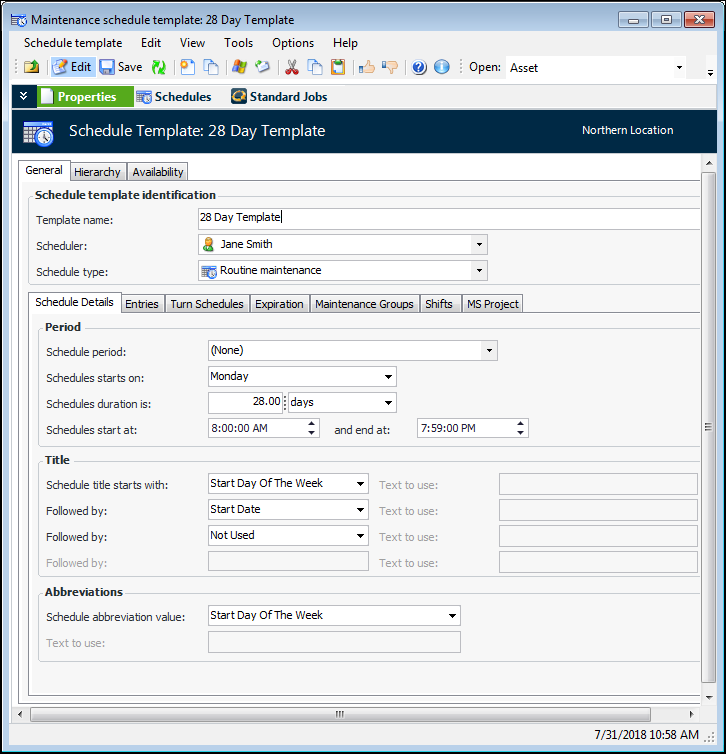
You can create a single schedule template to use on its own or to add into an existing schedule template hierarchy. To create a new set of schedule templates, see Creating a Set of Schedule Templates.Note: The My Desk view only displays the tabs described below, if you are set up as a scheduler on the Properties view, Roles tab, Scheduling tab of the employee record.To Create a Schedule Template
 is enabled.