|
Defining a Safety Override on a Provision
This topic explains how to add an override to a safety provision. For information about creating provisions, see Creating a Safety Provision.To Create a Safety Override
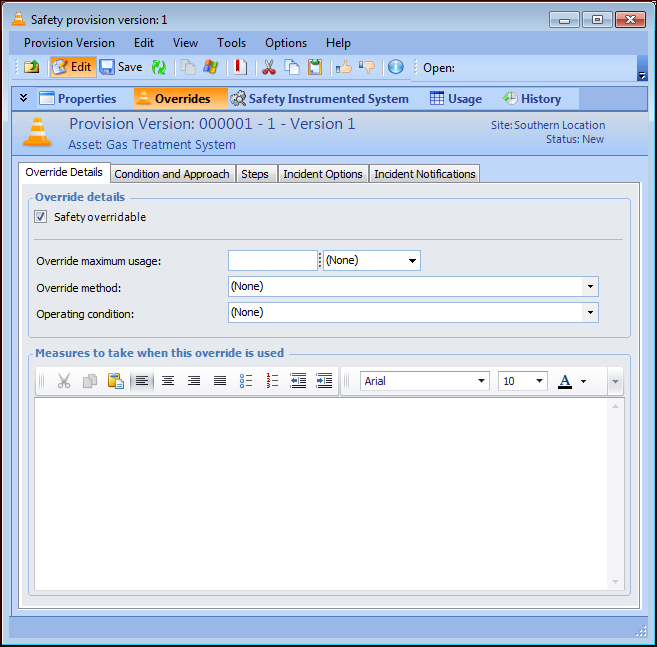
1. Open the safety provision version and select the Overrides view. Ensure that Safety overridable is selected.
2. On the Override Details tab, provide the following information:
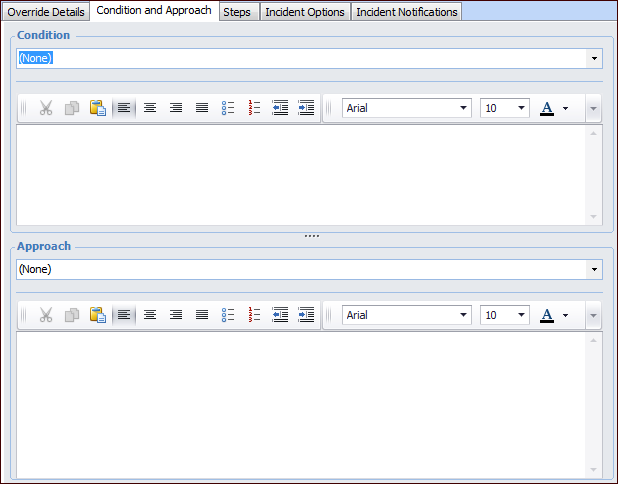
3. Select the Condition and Approach tab.
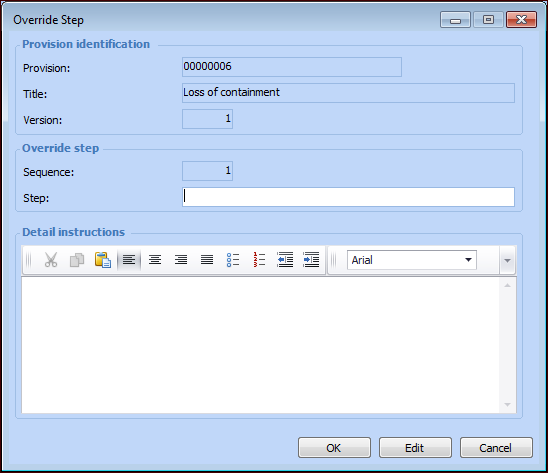
6. Select the Steps tab to add the steps performed when the override is used. Click New to add a step. The Override Step dialog appears:
• Name the step and enter the details. Click OK to close the dialog and add the step to the table.
• You can change the order of the steps using the Move Up and Move Down buttons. The sequence numbers change accordingly.
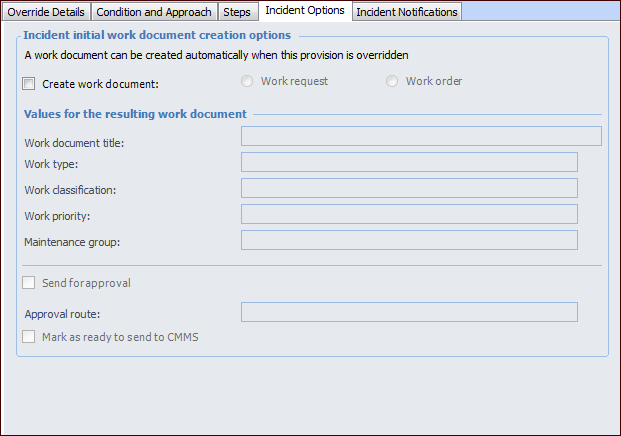
7. Select the Incident Options tab.
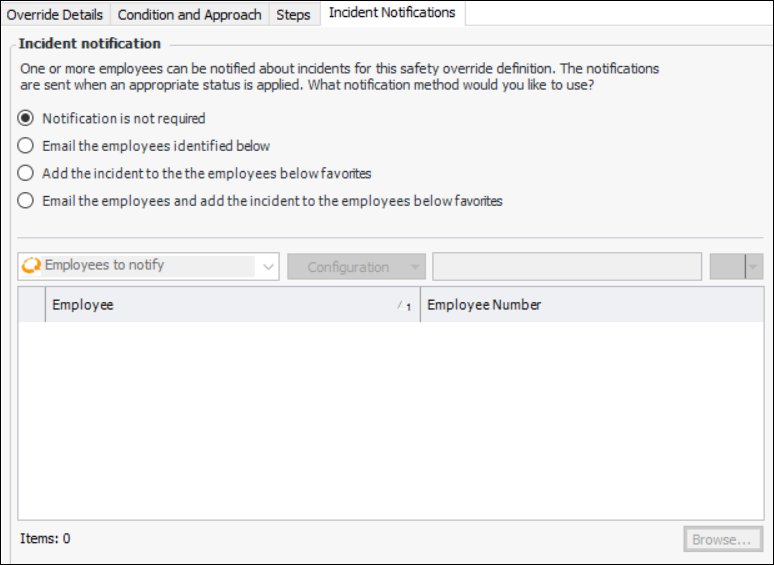
9. Select the Incident Notifications tab. You can select employees to be notified when an incident is created for this override.
10.