
|
Updating Study Status using a Change Set
To Update Status using a Change Set
1. Select the site’s Strategy Development view and the Change Sets tab. This tab shows the change sets defined for the site.
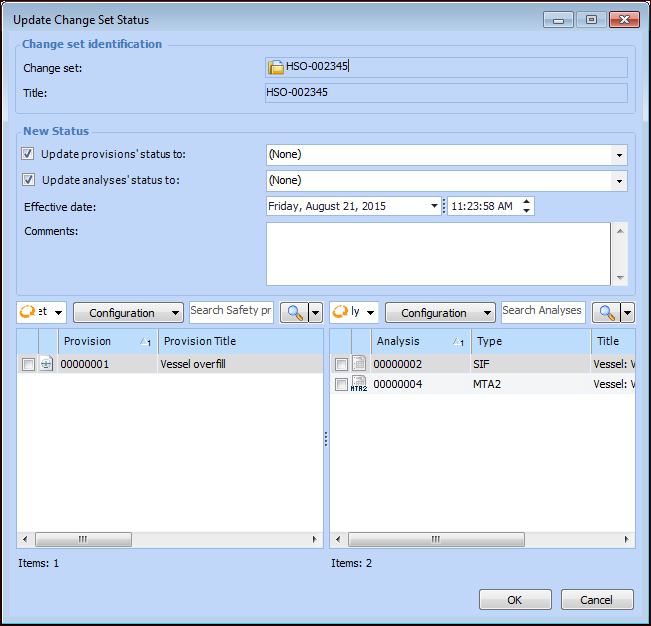
2. Right-click one or more change sets and click Change Status.Tip: You can also open a change set and click Change Set at the bottom of the dialog.
4.
8. Click OK. The provision versions and analyses are updated and the dialog closes.
9. If you selected two or more change sets in step 2, the next change set’s Update Change Set Status dialog appears. Complete steps 3-8.