|
Setting Risk Analysis Options for a SIF Analysis
To Set Options for Using Embedded Evaluation Forms
3.
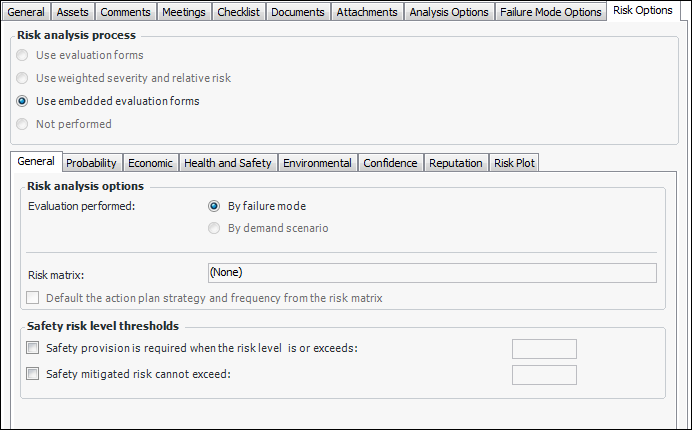
4. Click Use embedded evaluation forms.
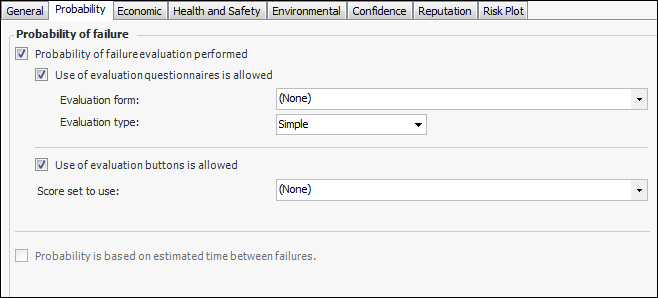
6. Select the Probability tab.
• Simple – The evaluator can select one statement for each category on the form.
• Detailed – The evaluator can select two statements for each category on the form.
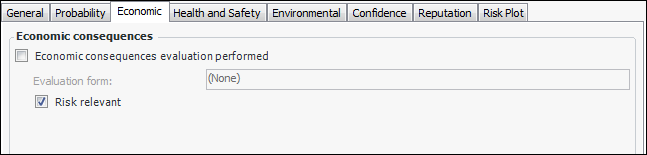
8. Select the Economic tab.
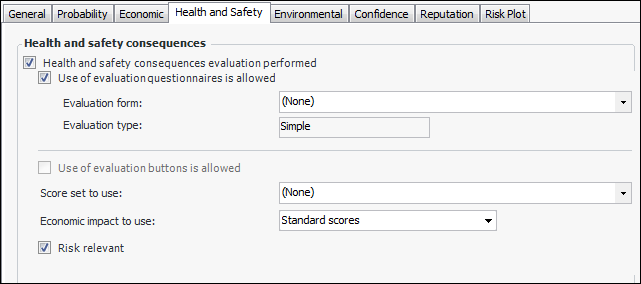
10. Select the Health and Safety tab.
• Simple – The evaluator can select one statement for each category on the form.
• Detailed – The evaluator can select two statements for each category on the form.
12. Select the Environmental and Reputation tabs in turn and set the options for using evaluation questionnaires and buttons.
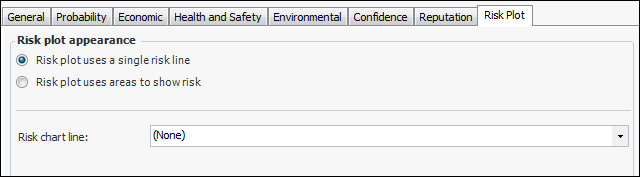
13. Select the Risk Plot tab. The risk plot chart can show either a single risk tolerance line or colored areas for one or more risk levels.
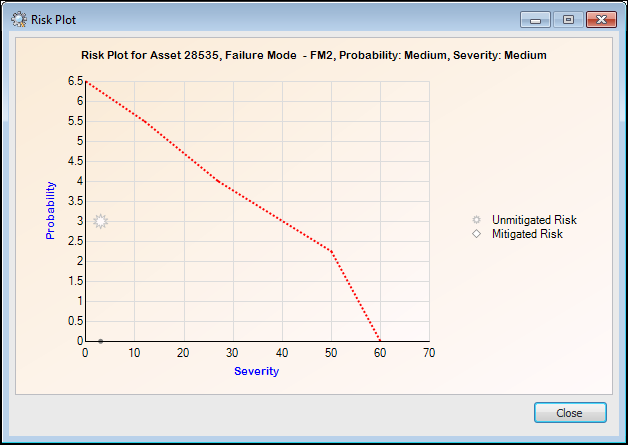
• Risk plot uses a single risk line – risk plot chart displays a line to indicate the failure mode’s initial risk. Select the chart line style from the list, for example, “FM risk tolerance line”. Here is an example of a risk chart with a single line:
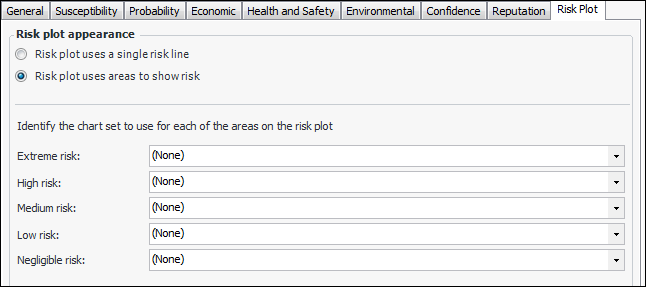
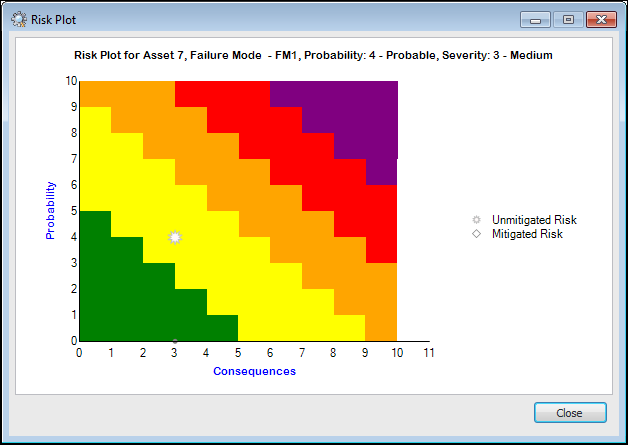
• Risk plot uses areas to show risk – Each severity level is represented by a colored area in the chart. The window changes as follows: