Performing SIF Failure Mode Risk Analysis

Risk analysis of a SIF failure mode takes into account the severity of the consequences and the probability of the failure occurring. In a typical implementation, the analysis team chooses answers to questions for each of the relevant consequences (safety, environmental, economic, reputation). The system calculates the severity and risk level for each of the consequences. The highest risk level is identified as the failure mode’s overall risk level. The team can then select one or more safety provisions, and each provision’s safety integrity level (SIL) is included in the calculation to reduce the risk level.
Note: Before you can perform risk analysis, the severities, probabilities, and risk matrix entries must be set up in the site’s risk analysis settings. If you are using evaluation forms, they must also be set up. For more information, see Risk Analysis Settings.
This topic explains how:
To Evaluate the Probability of Failure – The probability of failure is the likelihood that the asset will fail due to the failure mode. You can determine the probability score using a questionnaire or by selecting a value directly depending on the analysis’ risk settings.
To Evaluate the Severity of Consequences – You can analyze up to four types of consequences:
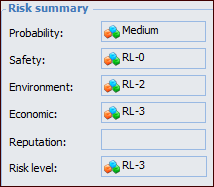
When you have finished the evaluations, the Risk Summary area displays the scores. The risk level for the failure mode is the highest score from the evaluations. For example:
For information about adding safety provisions to reduce the failure mode’s risk level, see Adding Provisions to a SIF Failure Mode.

To Evaluate the Probability of Failure

1.
2.
3.
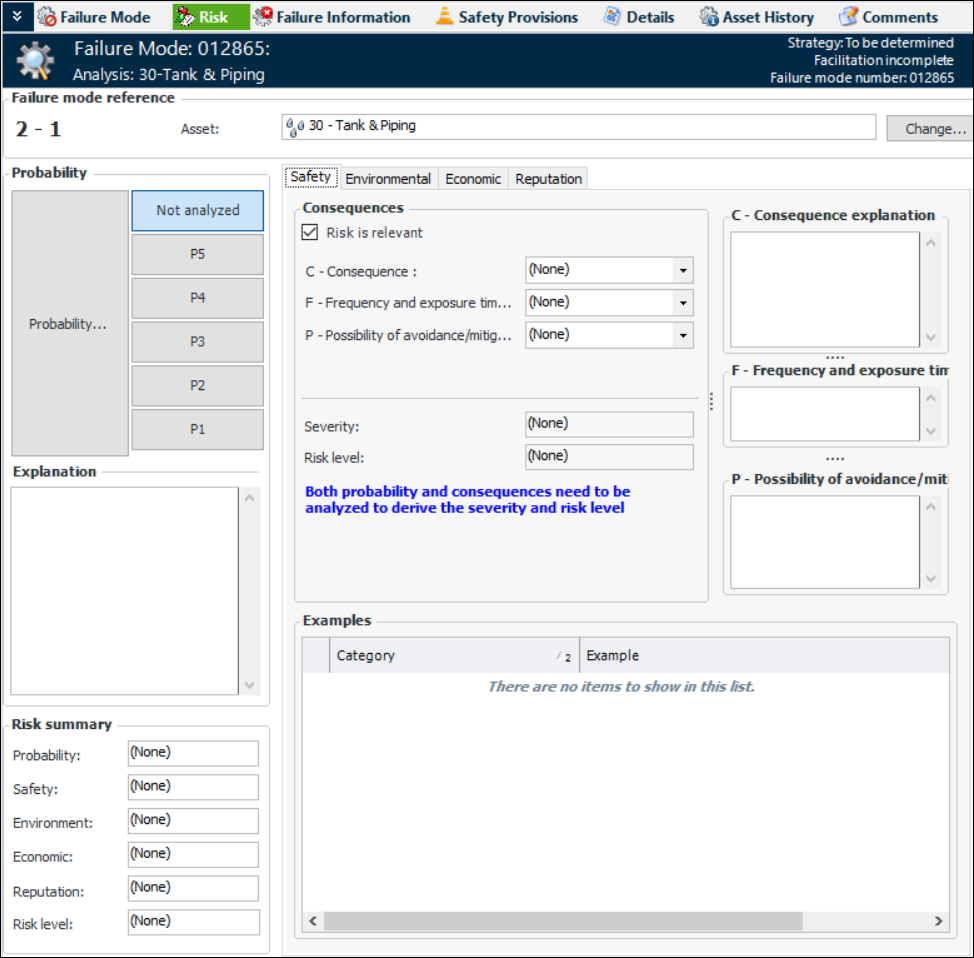
Select the Risk view. For example:
4.
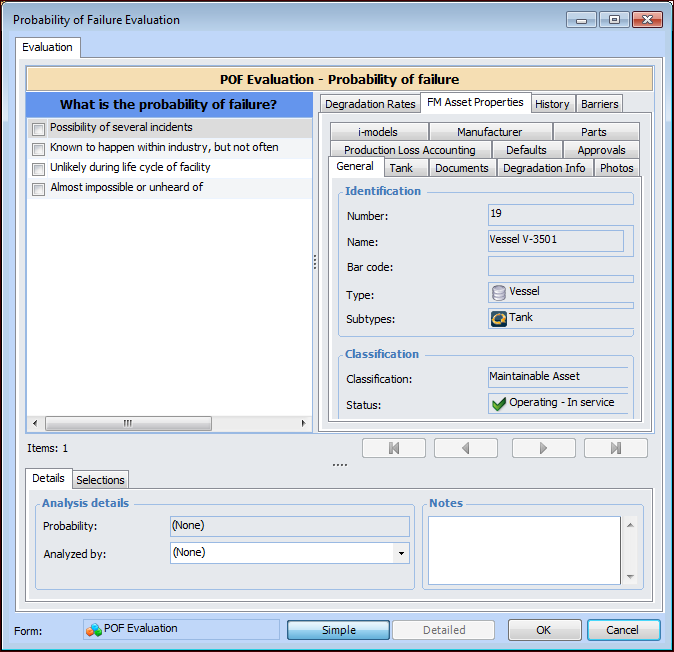
Depending on risk analysis settings, you can either click one of the evaluation buttons in the Probability area or use the questionnaire to determine probability of failure. To use the questionnaire, click Probability. The Probability of Failure Evaluation wizard appears. The evaluation types (Simple, Detailed), categories, and questions available to you depend on the form’s design and the asset properties. Here is an example of a simple evaluation:
You can refer to the FM Asset Properties and History tabs for information to aid in the evaluation, for example, historical inspections, failures, and work.
5.
As you move through the analysis, the Probability box displays the most severe probability assigned to your selections. For example, if you select options for three categories, two of which have a result of “Negligible” and one with a result of “High”, the score for the evaluation as a whole will be “High”. This will be the probability used in the risk analysis.
6.
In the Analyzed by list, select the team member performing the evaluation.
7.
In the Notes box, you can provide additional information about the analysis. Notes are collected and available in several locations.
8.
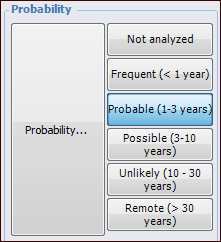
When you have completed the evaluation, click OK. The evaluation form closes and the result (for example, extreme, high, medium, low, or negligible) is selected in the risk matrix. For example:

To Evaluate the Severity of Consequences

1.
The number of categories, their names, and the values available reflect your organization’s requirements.
2.
3.
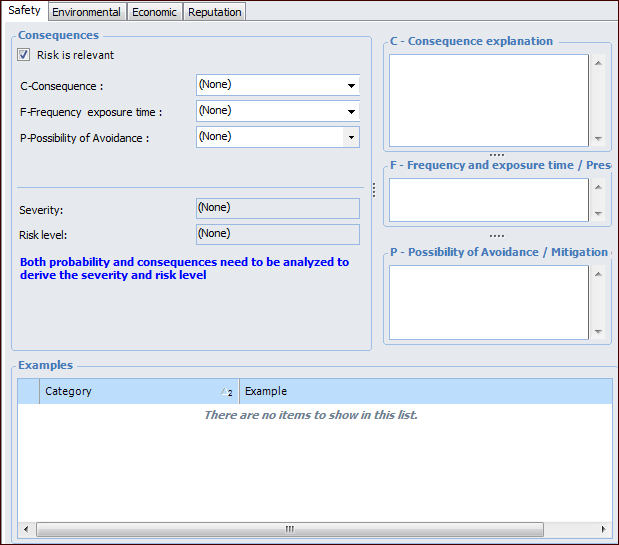
For each category, select a value and enter an explanation for your choice. The Examples table provides additional information about the category.
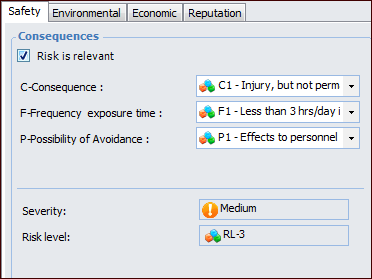
When you have completed the evaluation, APM displays the severity and risk level. For example: