|
Adding Corrective Tasks to SIF Action Plans
To Add a Corrective Task (APM)
1. Open the Maintenance Action Plan window and select the Implementation view.
3.
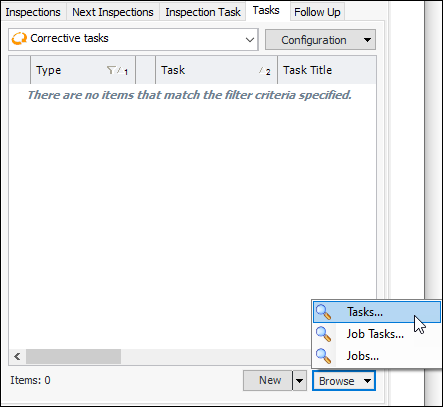
• Select an option from the Browse list:
• Click OK. The item is added to the action plan.
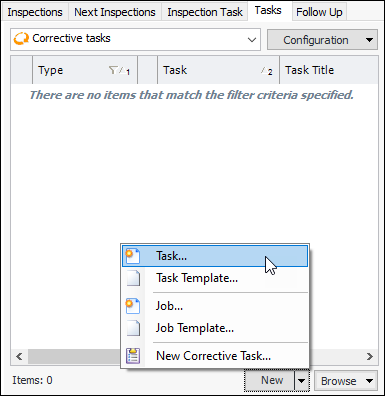
• Select an option from the New list:To Add a Corrective Task (AWEIS)
1. Open the Maintenance Action Plan window and select the Implementation view.
3.
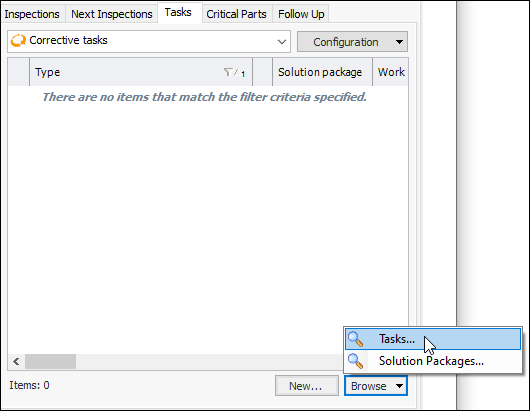
4. Select an option from the Browse list:
6. Click OK. The item is added to the action plan.To Add a Corrective Task (SAP)
1. Open the Maintenance Action Plan window and select the Implementation view.
3.
8. Click OK. The reference is added to the action plan.To Add a Corrective Action Plan Task
1. Open the Maintenance Action Plan window and select the Implementation view.
3.
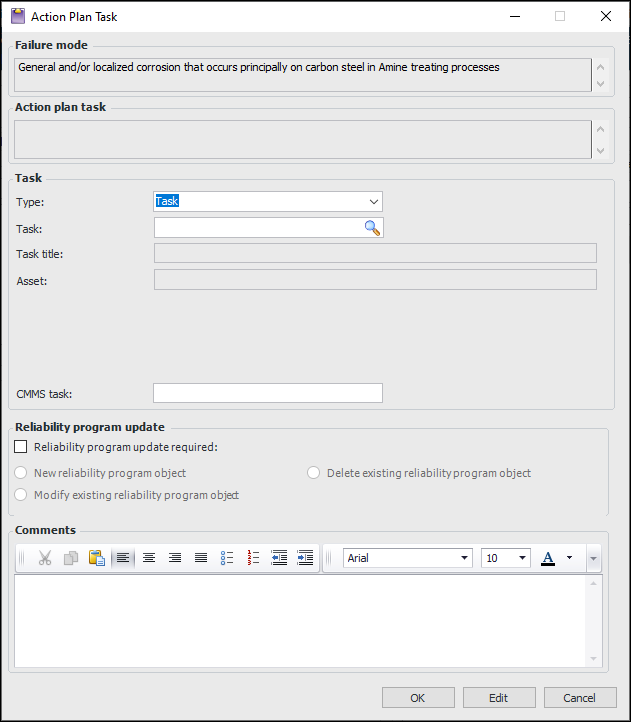
4. For APM objects, click the New list and then New Corrective Task. For AWEIS or SAP objects, click New. The Action Plan Task dialog appears. Here is an example for APM objects:
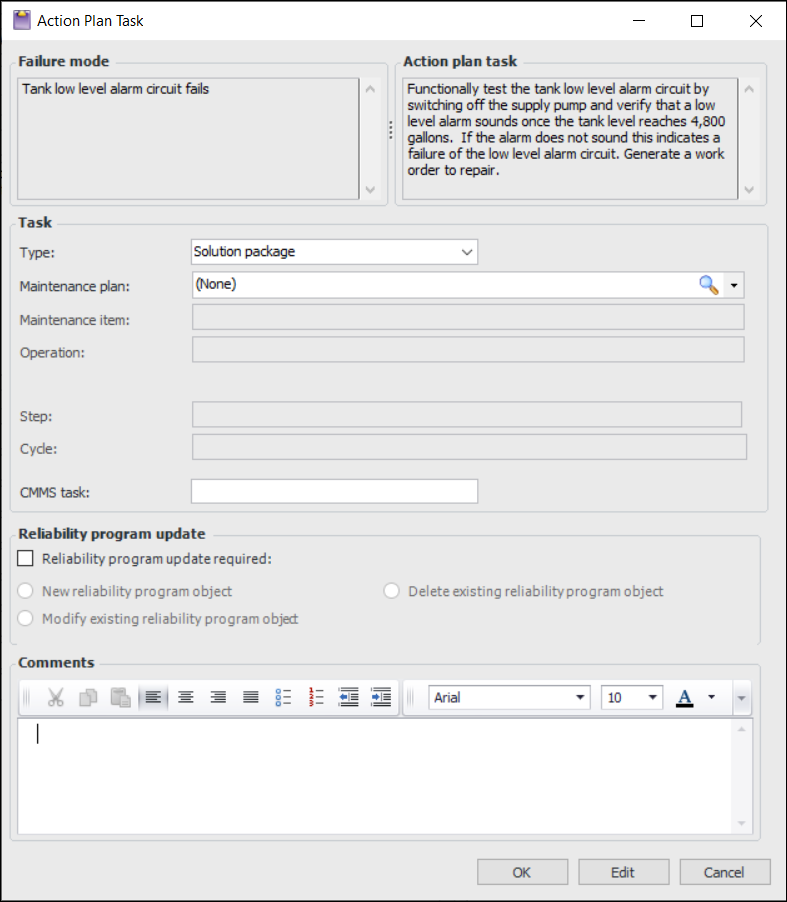
5. In the Type list, select an object or “Other”.For AWEIS, you can select “Solution package” in the Type list. The dialog displays the solution package levels and options specified in the site interoperability profile. In this example, Maintenance plan, Maintenance item, and Operation are the three levels. Levels 2 and 3 are subordinate to the level above, so a maintenance plan must be selected before a maintenance item.
8. Click Reliability program update required. Select the update type: create, modify, or delete a reliability program object. Provide instructions in the text box.
9.